Most roundups of LinkedIn sales tools rank products as if they’re interchangeable. They’re not. A native research subscription, a signal detector, a multi-sender sequencer, and a multichannel platform solve different jobs, and buying the wrong category leaves you with features you won’t use and gaps you’ll still fill manually.
This guide sorts tools by workflow. You’ll find native research for building lists, signal-based intent detection for deciding who to contact now, LinkedIn automation for controlled sequencing, and multichannel and CRM-connected operations for teams coordinating email, phone, and pipeline records. That context matters because LinkedIn has grown into a large professional data environment, as shown in LinkedIn’s timeline from its 2003 launch to more than 1 billion members reported in April 2024.
There’s also a governance line you can’t ignore. LinkedIn states that third-party software must not scrape data, modify the site, or automate activity, and accounts can be restricted when automated activity is detected. Human-like pacing isn’t the same as policy compliance. Evaluate every third-party tool below for operational risk, approval controls, and an emergency shutdown plan, not just reply rates. Practical fit beats feature count every time.
Table of Contents
- 1. LeadBeast
- 2. LinkedIn Sales Navigator
- 3. Apollo
- 4. HeyReach
- 5. La Growth Machine
- 6. Waalaxy
- 7. Dripify
- 8. Expandi
- 9. Linked Helper
- 10. lemlist
- Top 10 LinkedIn Sales Tools: Features Comparison
- Build a Tool Stack That Matches the Motion
1. LeadBeast
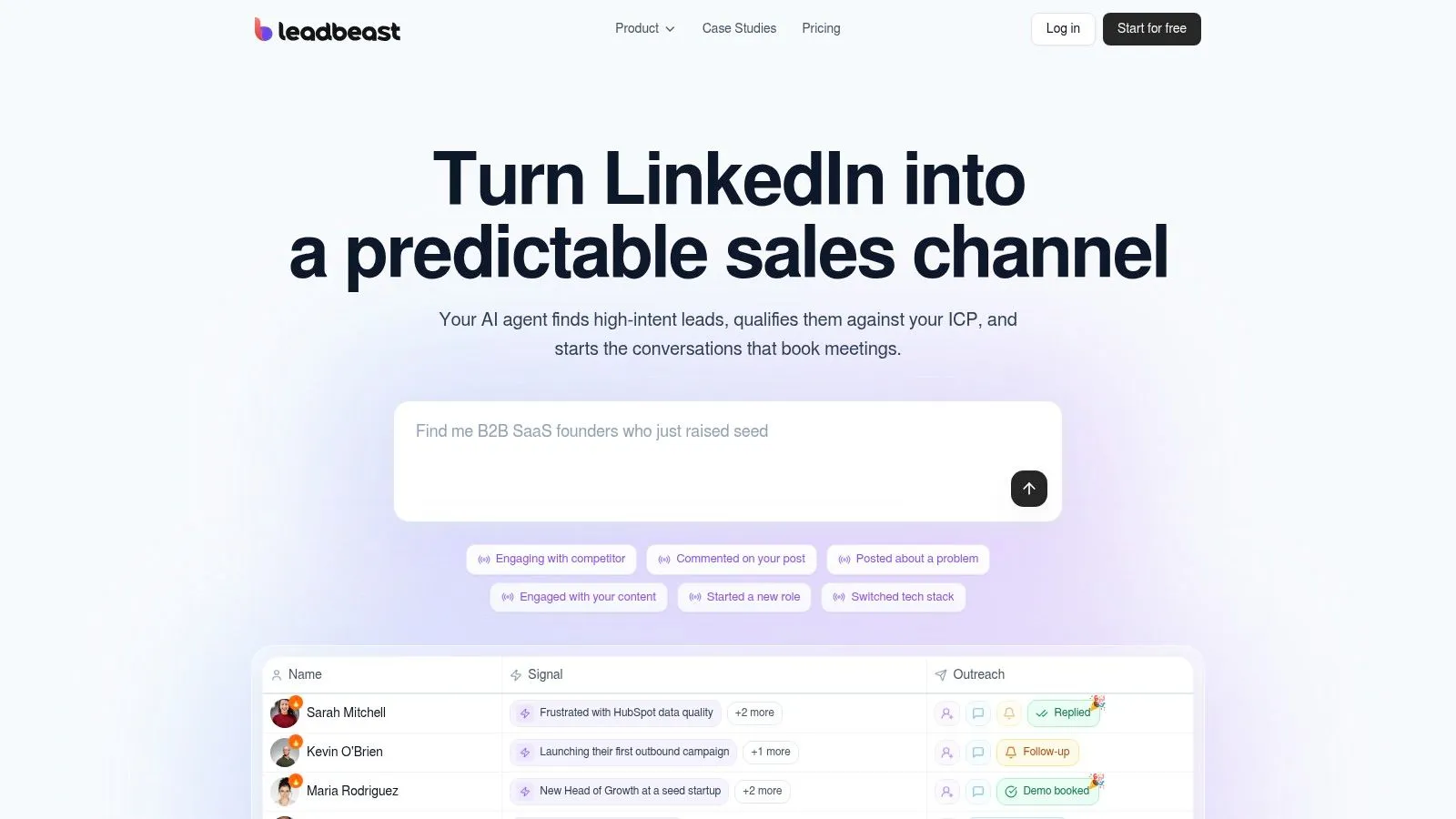
LeadBeast covers the signal detection slot in the stack. It monitors posts, comments, role changes, and competitor engagement in real time, then stacks those signals to separate likely buying intent from one-off noise. That timing focus lines up with Gartner’s B2B buying research reporting that 75% of buyers prefer a rep-free sales experience, because a rep who arrives early in the research phase gets a hearing that a cold sequence never earns.
How It Works in Practice
You describe your ideal customer in plain language. Smart Audiences match and score people and companies against that definition, and the lists refresh automatically as activity changes. When a trigger fires, LeadBeast drafts trigger-specific LinkedIn messages and follow-ups tied to the actual post, comment, or role change that prompted outreach. A centralized inbox, plus CRM and outreach integrations, keeps replies connected to the signal that started them.
Practical rule: Score the signal combination, not the single like. Weight recency, role relevance, and company fit before anyone sends a message.
API and MCP access lets operators feed signal data into other systems, which matters if your scoring lives in a warehouse or a custom routing layer. The trade-off is deliberate. You reach fewer prospects, but each one has shown observable behavior worth acting on.
Pricing, Fit, and Honest Limits
Vendor-published pricing is per LinkedIn sender: $99 per month for Essential with one sender, $237 per month for Professional with three senders, and $483 per month for Business with seven senders. Core features are included across tiers, and the seven-day trial doesn’t require a credit card. Confirm current terms on the vendor’s pricing page before you buy, since published tiers change.
LeadBeast reports typical connection acceptance and reply ranges on its site. Treat those as directional. Your numbers will depend on audience, offer, and messaging quality, so run it against your cold-list baseline for a full campaign cycle before committing budget.
Best fit: B2B SaaS founders, sales leaders, SDR teams, and agencies that want intent-led prospecting over raw send volume. Limitation: Per-sender pricing gets expensive as the team grows, and because the product depends on LinkedIn activity and outreach, platform-policy and account-safety exposure remains even with pacing safeguards. LeadBeast is independent and isn’t affiliated with or endorsed by LinkedIn. If the fit sounds right, start a LeadBeast trial and test it against your own ICP.
2. LinkedIn Sales Navigator
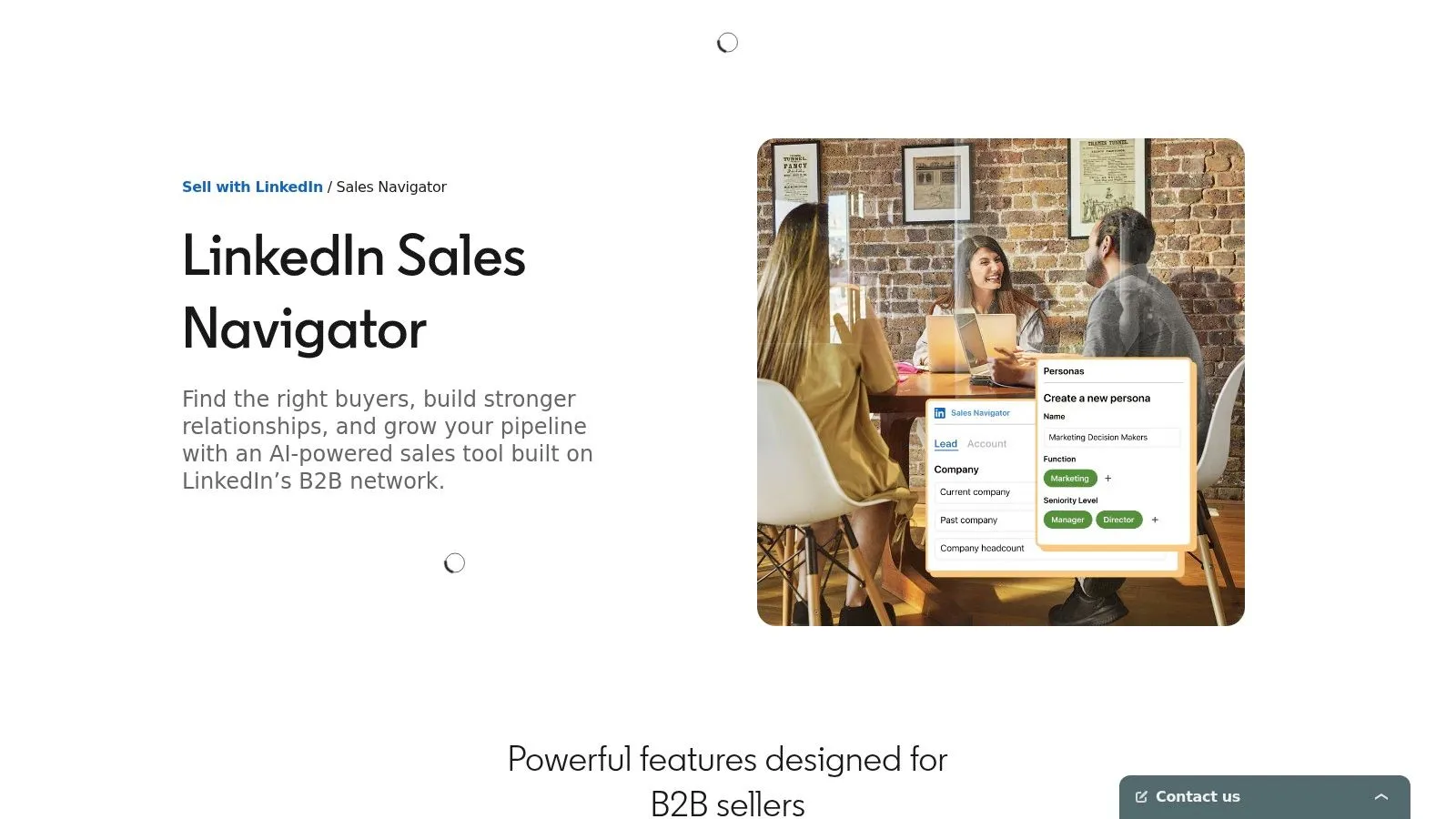
Sales Navigator is the native research layer, and it should be judged as one. It gives you advanced filters for people and companies by role, industry, and geography, saved leads and accounts with alerts, and InMail for people outside your network. Higher tiers add team collaboration and CRM-related capabilities.
LinkedIn reports efficiency gains on its Sales Navigator product page stating average users make five times more connections with Director-level and above leaders than average non-users. Treat that as a vendor-reported, directional benchmark, not a causal guarantee. Stronger sellers may be more likely to buy the tool. Measure it yourself with Director-plus connections per sender and saved leads that become qualified opportunities.
For teams refining their wider motion, it helps to compare LinkedIn lead generation approaches and tool categories before layering automation on top of native search. You can also find B2B lead generation tactics that sit outside LinkedIn entirely.
- Strength: Native LinkedIn data and precise targeting for account research.
- Strength: Published Core and Advanced list pricing in the US.
- Limitation: It isn’t a full multichannel sequencer on its own, and Advanced Plus pricing is custom.
Best fit: Reps who need accurate lists and account alerts before any outreach happens. Limitation: You’ll still need a CRM and, if you want sequencing, a separate outreach tool.
3. Apollo
Apollo fills a different gap. Where Sales Navigator is native LinkedIn research, Apollo combines a searchable contact and company database with enrichment and outbound campaigns. If your problem is missing work emails or account data, that combination is useful.
You get people and company search with filters, contact and account enrichment, outbound sequencing, and AI-assisted research or personalization features. CRM and sales tool integrations connect those records to the rest of your stack. For many small teams, consolidating data and sending in one product reduces tool switching.
Before you commit, evaluate sales prospecting tools by the job they cover and sample Apollo’s records against your actual market. Database coverage varies by region, company size, and role, and a large headline database tells you nothing about accuracy in your niche.
- Strength: Several prospecting tasks in one product, with a free tier for basic workflows.
- Strength: Paid tiers expand credit allowances and filter depth.
- Limitation: Credits and plan allowances shape your real usage cost.
- Limitation: It doesn’t replace Sales Navigator’s native LinkedIn research experience.
Best fit: Teams that need email data and sequencing alongside LinkedIn research. Test record accuracy on a small, known segment first, verify bounce and match rates, and only then scale credits.
4. HeyReach
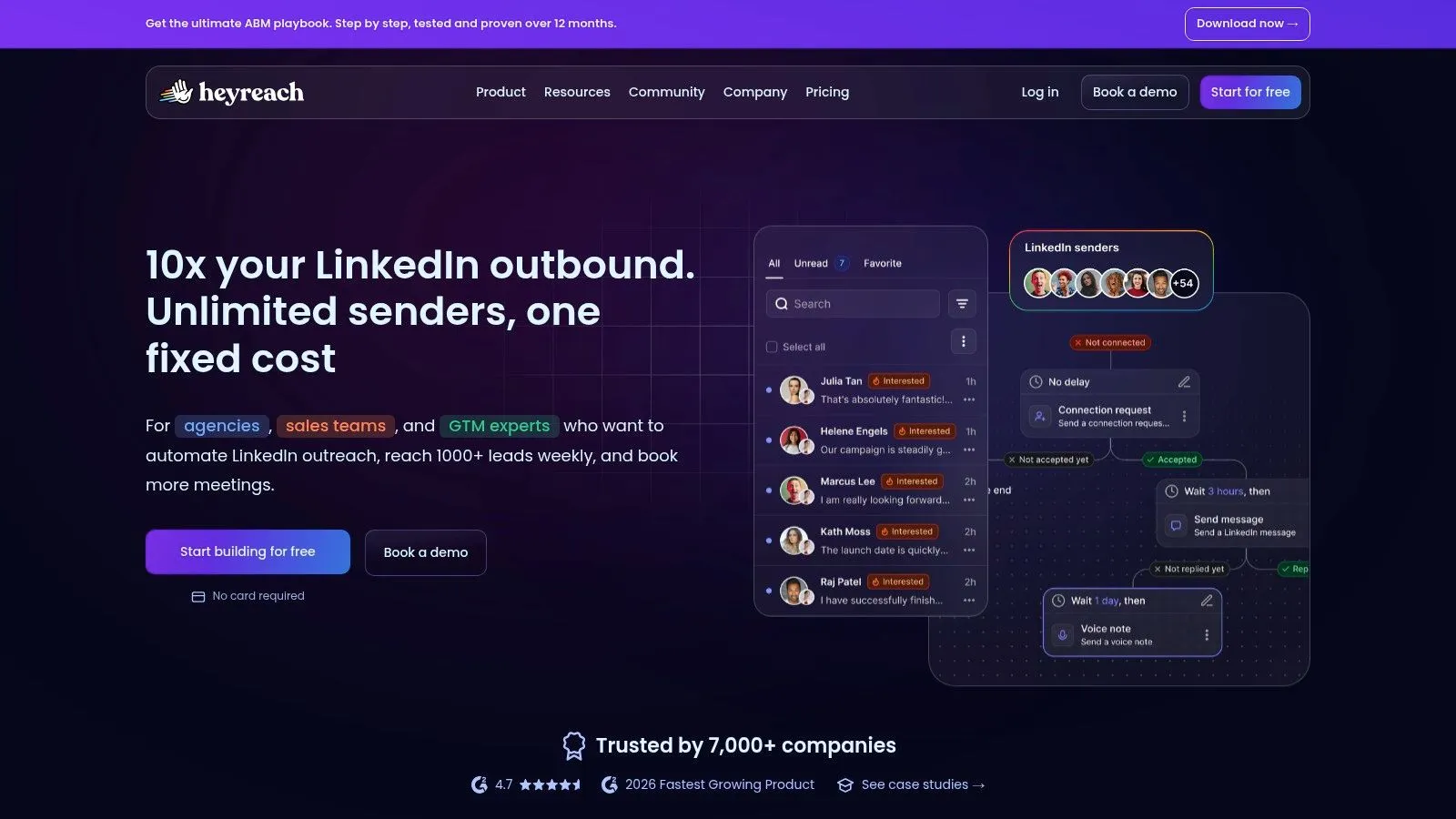
HeyReach is a multi-sender operations tool. It’s designed for agencies and teams running LinkedIn campaigns across many sender accounts, with workspaces and permissions to separate clients or reps. If you’re coordinating one sender, most of that infrastructure is wasted on you.
What Agencies Actually Use
The useful pieces are campaigns distributed across multiple LinkedIn accounts, a unified inbox for replies, and workspace controls that keep client activity apart. API access, webhooks, integrations, and an MCP server let operators wire HeyReach into broader go-to-market workflows rather than running it as an island.
Pricing is published by sender count, which makes forecasting easier than quote-only tools. The flip side is obvious. Costs climb as you add senders, and agency tiers are more than a solo seller or very small team needs.
Distributing volume across senders solves a capacity problem. It doesn’t solve a targeting or messaging problem.
Best fit: Agencies and multi-rep teams that need sender coordination and a shared inbox. Limitation: It automates LinkedIn activity, which may conflict with LinkedIn’s stated rules noted earlier. Set approval thresholds, audit who can launch campaigns, and document what happens if a client account gets restricted before you scale sending.
5. La Growth Machine
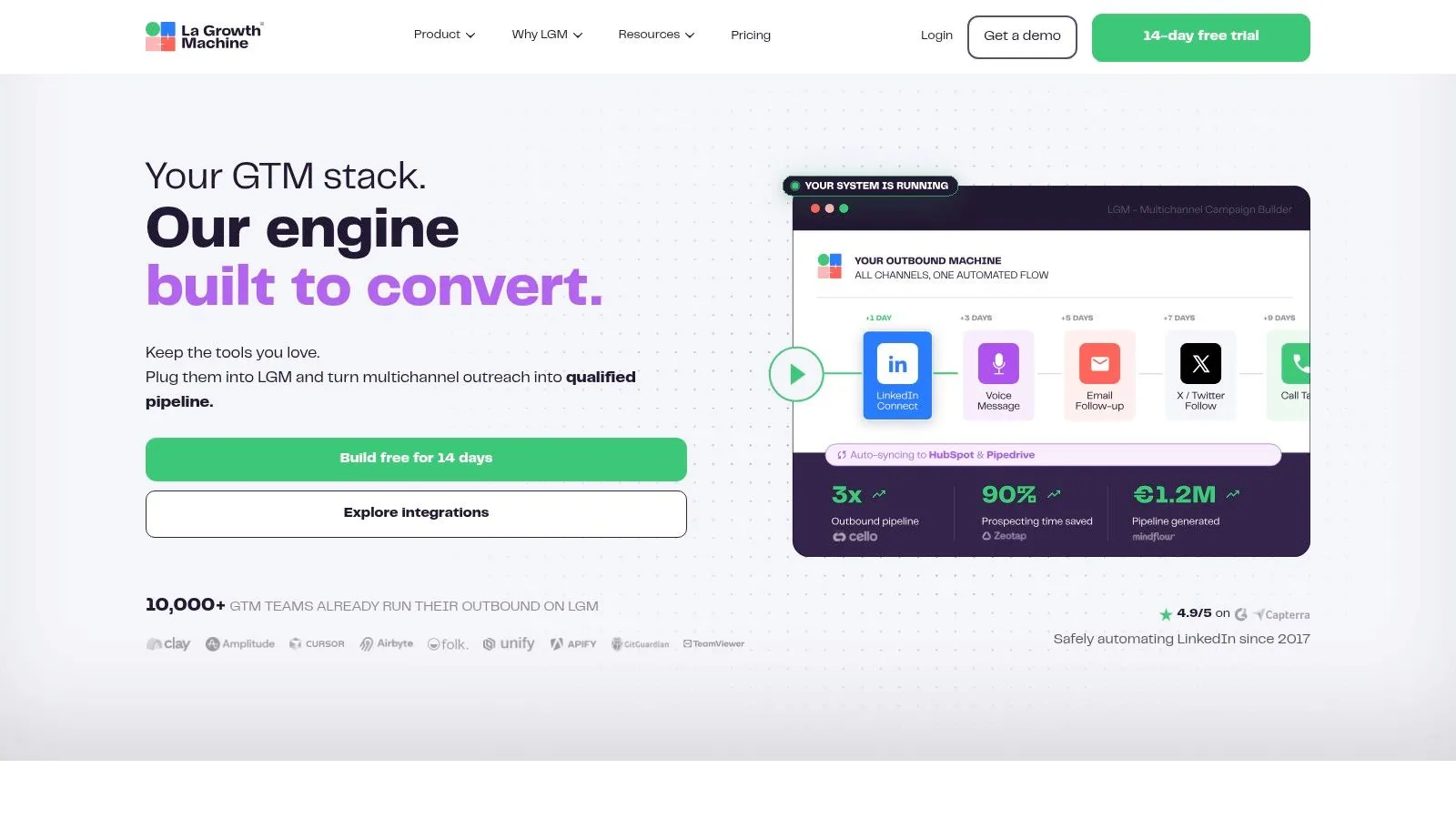
La Growth Machine treats LinkedIn as one channel in a sequence, not the whole play. It coordinates LinkedIn and email automation, with calls and additional channels on higher tiers, plus contact enrichment and a company database. You can import LinkedIn leads, including leads sourced from Sales Navigator.
That multichannel design suits teams whose prospects don’t reliably respond on LinkedIn alone. A LinkedIn touch can warm the contact, email can carry detail, and a call step can follow for higher-value accounts. Higher plans add a multichannel inbox and custom workflows, so check exactly which tier provides the flow you’re picturing.
If you’re weighing where this sits in a wider stack, reviewing sales automation software categories and handoffs will help you avoid buying overlapping sequencers.
- Strength: LinkedIn and email coordinated in one campaign builder.
- Strength: Published plans include enrichment allowances, with a trial available on the vendor site.
- Limitation: Per-identity pricing adds up across several senders.
- Limitation: Channels and advanced workflows depend on plan tier.
Best fit: Small teams wanting one multichannel workflow instead of separate LinkedIn and email tools. Limitation: It’s more machinery than you need for simple LinkedIn follow-ups.
6. Waalaxy
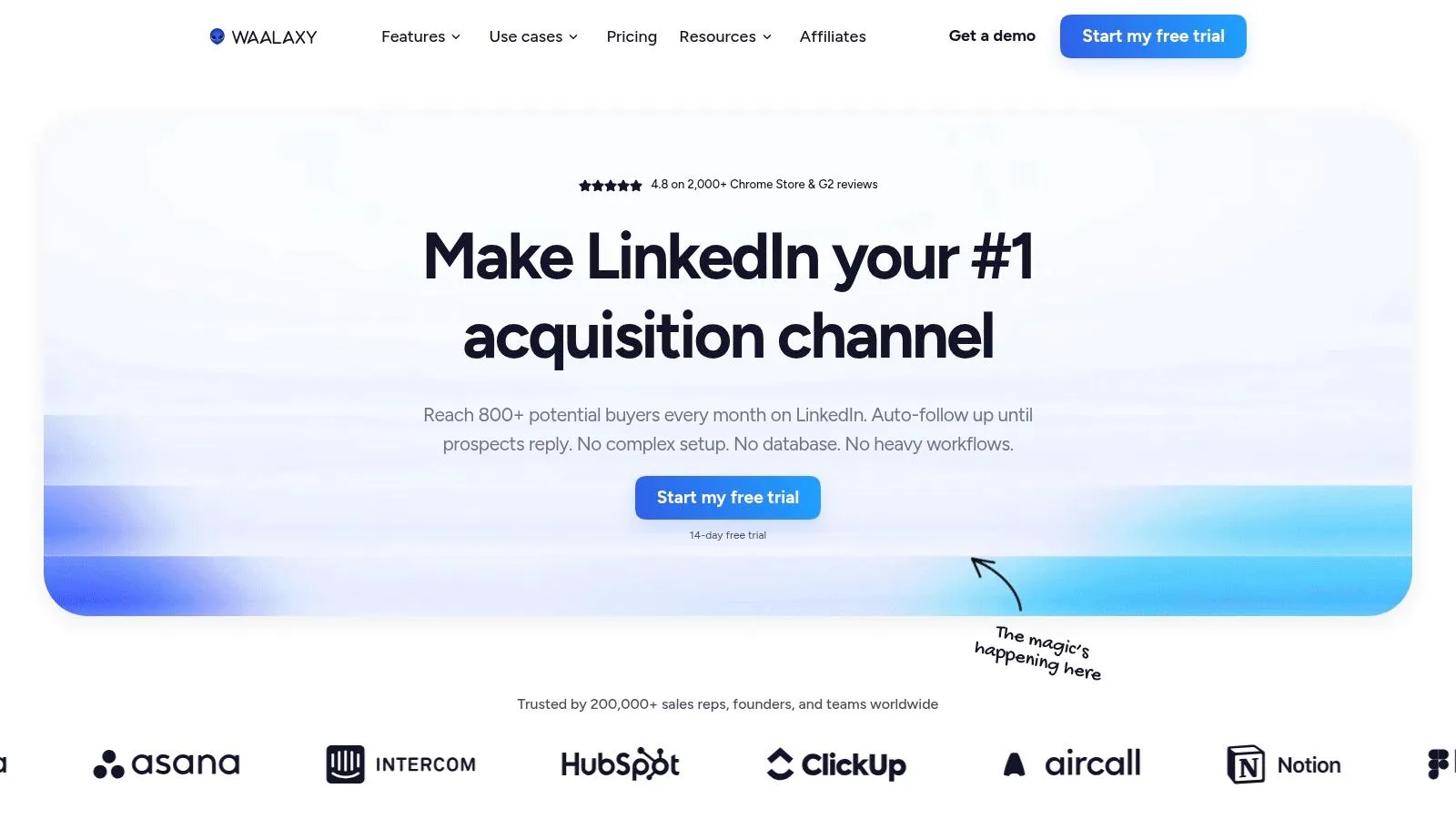
Waalaxy is often where solo sellers start. It offers pre-built LinkedIn sequences, automated follow-ups, CRM synchronization, and team collaboration, with LinkedIn-plus-email campaigns on its Business plan. The appeal is a guided setup that doesn’t demand much technical configuration.
That simplicity has trade-offs you should price in. Monthly invitation allowances vary by plan, so your realistic outreach volume is a plan decision, not just a LinkedIn limit. The LinkedIn inbox is a paid add-on rather than a standard inclusion, which matters if reply handling is central to your workflow.
- Strength: Low entry price compared with many per-seat outreach platforms.
- Strength: Straightforward campaign setup for first-time users.
- Limitation: Higher tiers are needed for API access and integrations such as Make, Zapier, and n8n.
- Limitation: Automation carries the platform-policy risk described earlier.
Best fit: Solo sellers and small teams testing structured LinkedIn prospecting on a budget. Implementation advice: Start with one narrow segment and one sequence, watch negative replies as closely as positive ones, and confirm the CRM sync writes the fields your pipeline reporting uses. Don’t buy the email tier until you’ve proven LinkedIn messaging converts.
7. Dripify
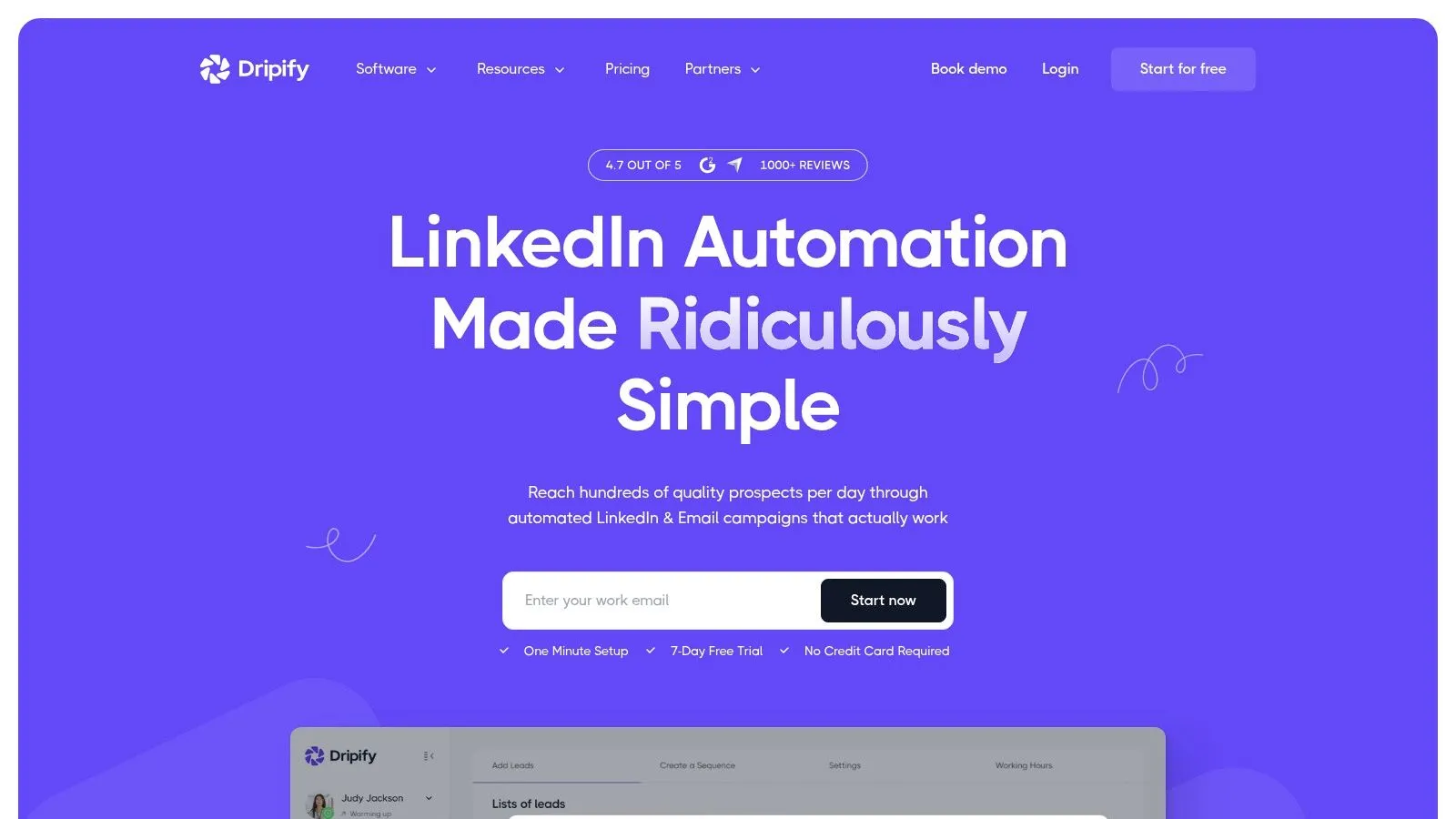
Dripify builds LinkedIn and email steps into the same automated sequence, with delays and conditions between actions. Campaign templates help you launch quickly, and analytics show where prospects drop off. For operators, the tier structure is the story here.
Tier Differences That Matter
Basic is limited to one campaign, which is fine for a single motion but restrictive if you test multiple segments. Pro and higher add a dedicated inbox, webhooks, HubSpot integration, API, and an MCP server. Advanced adds multi-team management, tagging, step analytics, and A/B testing for teams that need administration and control.
Those gates mean you should map your requirements before choosing a plan based on headline price. If you need CRM integration and reply management on day one, the entry tier isn’t your real price.
Best fit: Individuals and growing teams that want visual drip campaigns with a clear upgrade path. Limitation: Advanced functionality requires a higher per-user tier, and LinkedIn automation remains subject to platform-policy concerns. Run the trial with a real segment, check how replies stop subsequent steps, and verify analytics at step level, not just campaign totals.
8. Expandi
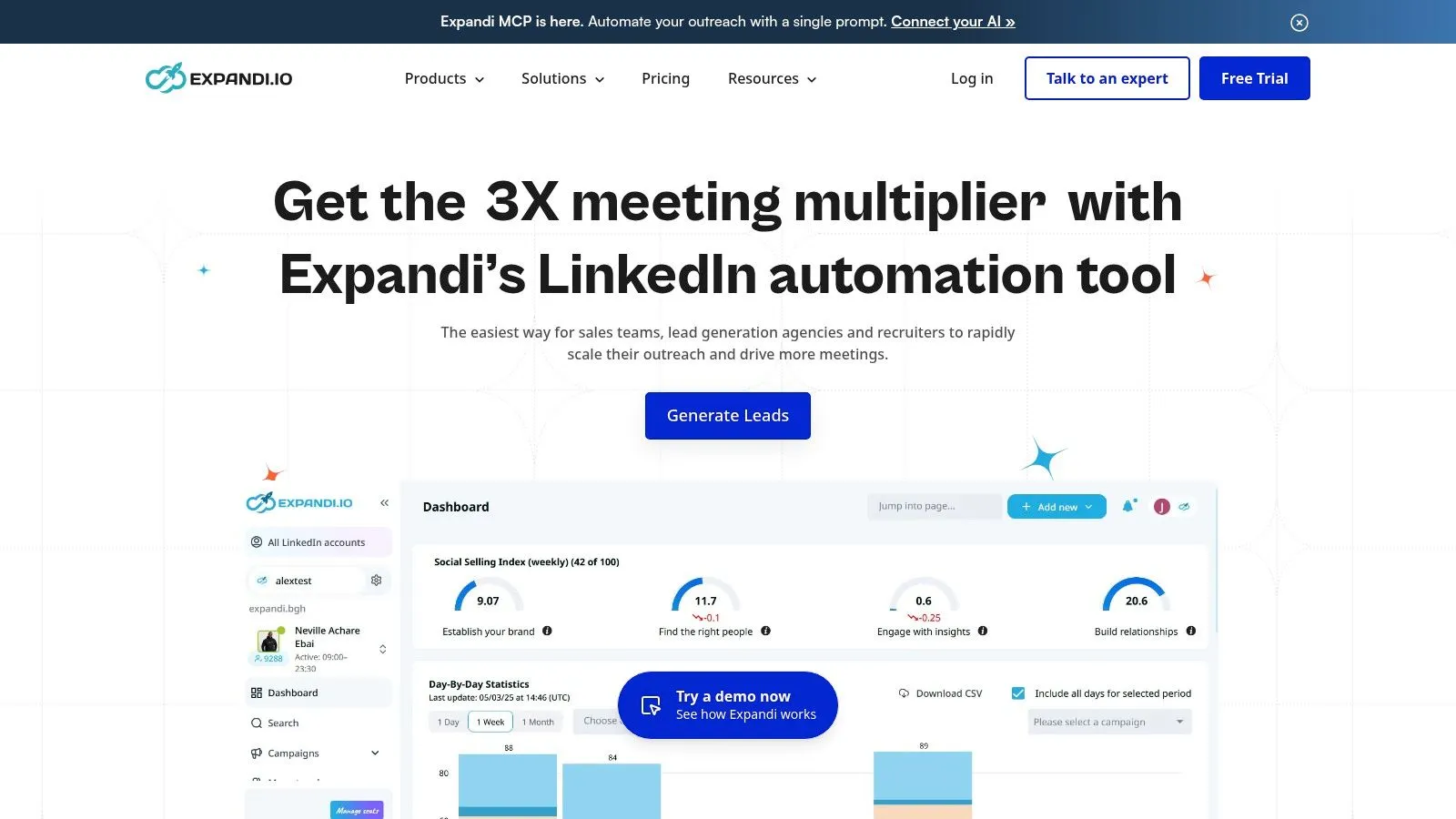
Expandi is a cloud-based LinkedIn outreach platform aimed at sales teams, agencies, and recruiters. Cloud operation means campaigns keep running without your laptop open, which appeals to teams managing follow-ups across time zones. It supports automated campaigns and follow-up workflows beyond basic connection requests.
The pricing model is comparatively simple, with a clear monthly price listed on the product site and an annual billing option. Simple doesn’t mean cheap. For an individual just starting outbound, the listed price may be high relative to a single sender’s output, especially before messaging-market fit is proven.
Team and white-label arrangements for agencies may require contacting sales, so agencies should confirm total cost per client account early. Ask how accounts are added, removed, and offboarded, and who owns campaign data when a client leaves.
- Strength: Cloud-based campaigns designed for teams and agencies.
- Strength: A trial lets you evaluate the workflow before committing.
- Limitation: Some larger-team arrangements aren’t self-serve.
Best fit: Teams and recruiters wanting always-on LinkedIn campaigns with more depth than a basic connector. Limitation: It’s a third-party automation product, not an official LinkedIn product, so the policy risk discussed earlier applies in full.
9. Linked Helper
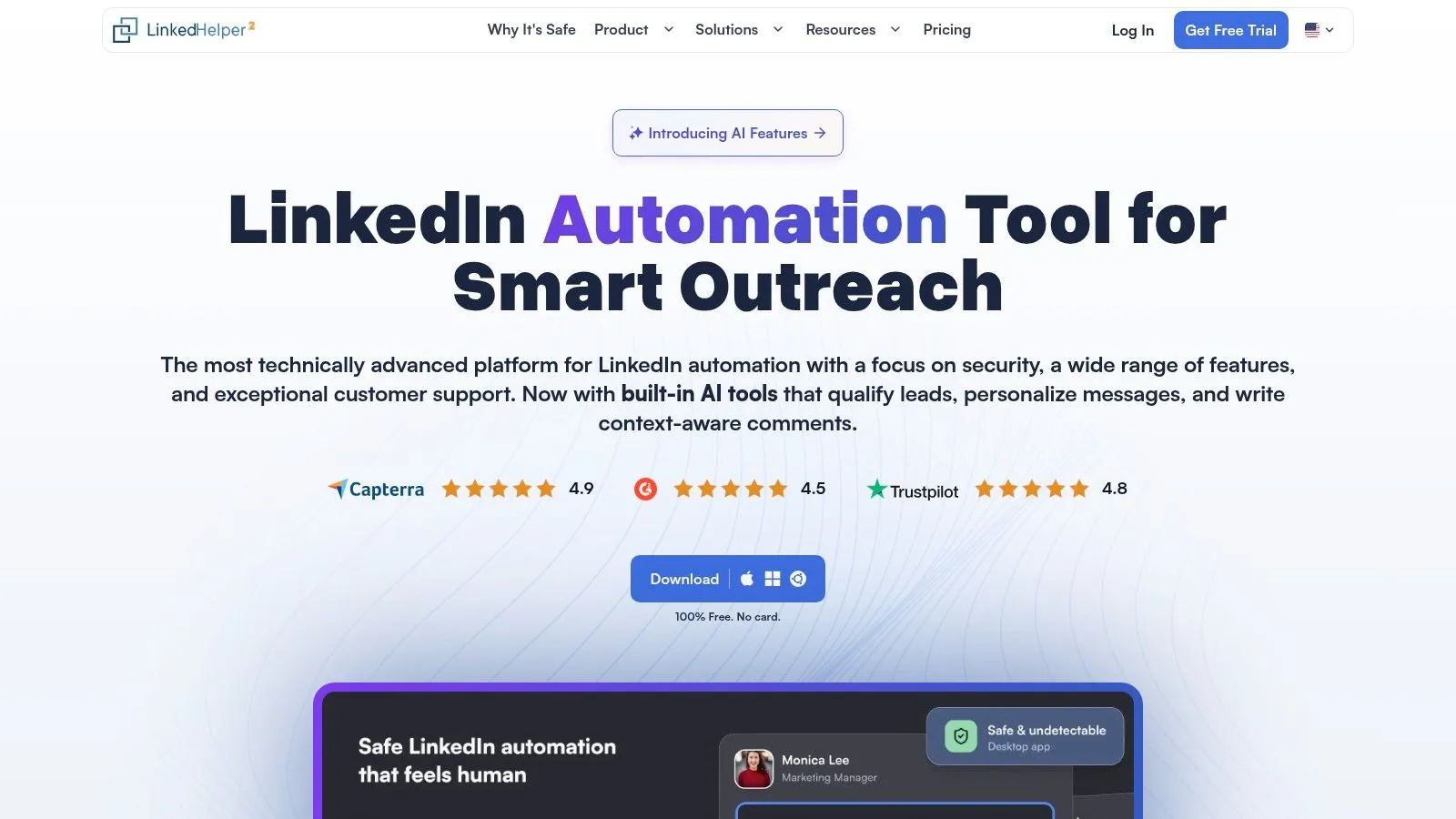
Linked Helper takes the opposite architectural bet from cloud tools. It’s a desktop-oriented application with Standard and Pro licenses, campaign actions, and data workflows. Pro adds further actions and export capabilities, and license terms run across different durations.
The workspace choice is the decision that matters most. A local workspace keeps data tied to a device, which some users prefer for control, but moving or sharing that data can require manual transfers. A cloud workspace eases sharing. Teams should decide this upfront, because it affects collaboration, backups, and what happens when a rep changes machines.
If you’re comparing desktop automation approaches head to head, the Ever Outbound vs Linked Helper comparison is a useful side-by-side reference.
Best fit: Budget-conscious users who prefer a desktop workflow and are comfortable with more setup and oversight than a hosted platform demands. Limitation: Local operation creates data portability friction, and use may conflict with LinkedIn’s stated rules on third-party automation. Document where campaign data lives and test an export before you build reporting on top of it.
10. lemlist
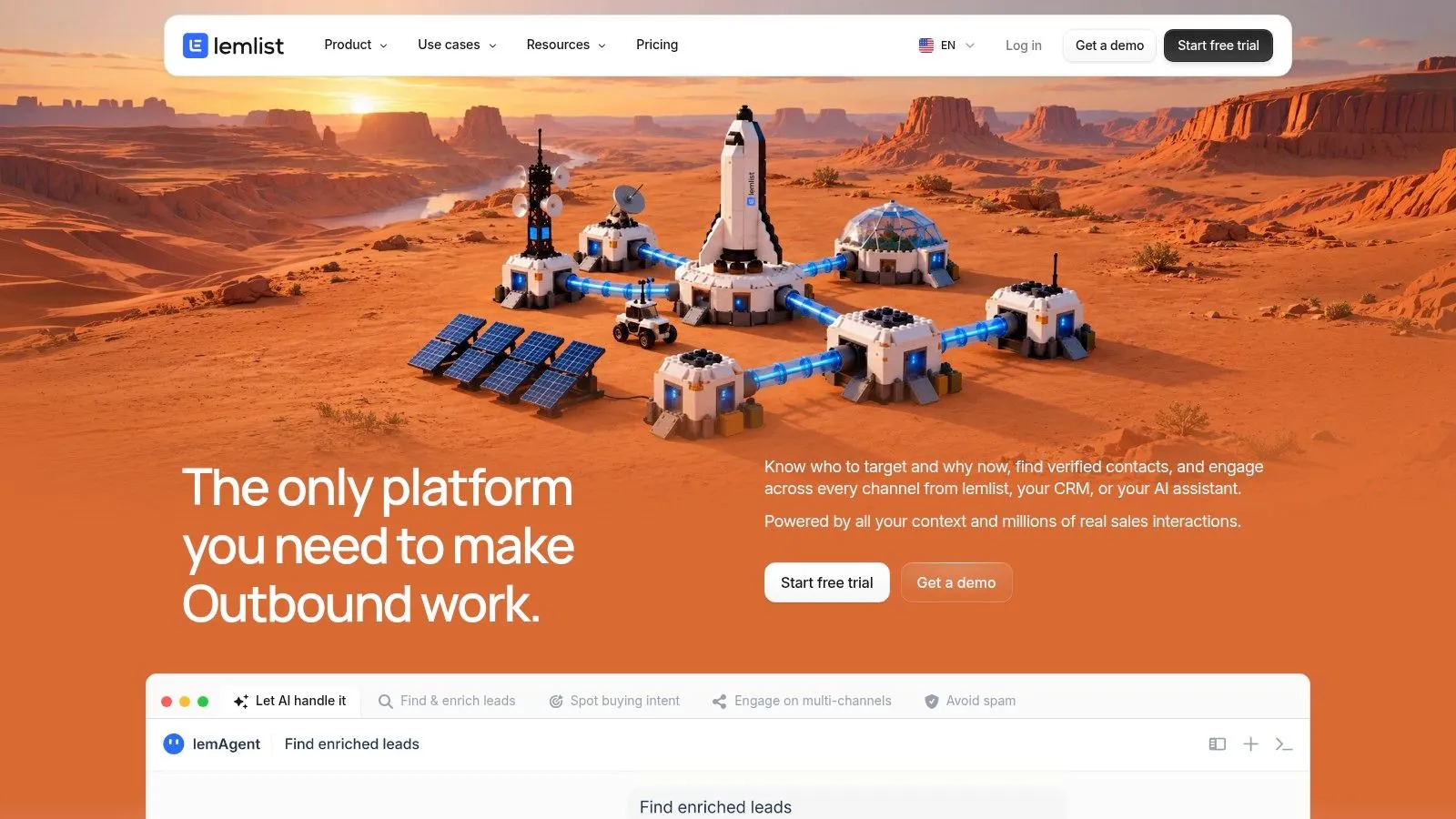
lemlist is a multichannel sales engagement platform where LinkedIn sits alongside email and phone. Campaigns can include profile visits, connection requests, messages, and voice messages, coordinated with email and calling steps. Lead discovery, enrichment, and AI-assisted segmentation feed those campaigns, and its LinkedIn prospecting page describes InMail support and a unified inbox.
That breadth is the point and the risk. If your motion spans channels, consolidating prospecting, enrichment, and execution reduces handoffs between tools. If you only send LinkedIn messages, you’re paying for a platform built for a bigger job.
Buy the channel mix you will actually run this quarter, not the one in next year’s plan.
Best fit: Teams combining LinkedIn, email, and phone in one outbound strategy who want fewer separate sequencers. Limitation: Exact pricing depends on plan and seat requirements, so model cost per active sender across all channels. LinkedIn automation here carries the same platform-policy concern as other third-party tools, regardless of how polished the sequence builder feels.
Top 10 LinkedIn Sales Tools: Features Comparison
| Platform | Core capabilities | Standout value | Best suited for | Pricing / value |
|---|---|---|---|---|
| 🏆 LeadBeast | ★ LinkedIn intent signals, ICP-matched audiences, trigger-aware outreach, CRM sync | ✨ Signal stacking and auto-updating audiences focus outreach on buying intent | 👥 B2B teams prioritizing qualified, timely conversations | 💰 $99/month (1 sender); $237 (3); $483 (7). 7-day free trial |
| LinkedIn Sales Navigator | Advanced lead and account search, activity alerts, InMail | ✨ Native LinkedIn data and precise prospect research | 👥 Sellers focused on LinkedIn discovery | 💰 Published US prices for Core and Advanced; Advanced Plus is custom |
| Apollo | Contact database, enrichment, outbound campaigns, CRM integrations | ✨ Combines prospect data and campaign tools | 👥 Teams needing contact data and outbound in one platform | 💰 Free tier; paid plans vary by features and credits |
| HeyReach | Multi-sender LinkedIn campaigns, unified inbox, workspaces | ✨ Built for coordinating senders and client workflows | 👥 Agencies and multi-rep teams | 💰 Sender-based plans; costs rise with scale |
| La Growth Machine | LinkedIn and email outreach, enrichment, multichannel workflows | ✨ Coordinates several channels in one campaign | 👥 Teams running multichannel prospecting | 💰 Plan-dependent; 14-day free trial |
| Waalaxy | LinkedIn sequences, follow-ups, CRM sync; optional email | ✨ Accessible campaign automation for smaller teams | 👥 Solo sellers and small teams | 💰 Low entry price; 14-day free trial |
| Dripify | LinkedIn and email sequences, analytics, team controls | ✨ Templates and advanced team features on higher tiers | 👥 Sales teams scaling outreach | 💰 Tiered per-user plans; 7-day trial |
| Expandi | Cloud-based LinkedIn campaigns and follow-ups | ✨ Team and agency options available | 👥 Sales teams, agencies, and recruiters | 💰 Published monthly price; 7-day trial |
| Linked Helper | Desktop-oriented LinkedIn campaigns and data workflows | ✨ Local or cloud workspace options | 👥 Users comfortable managing a desktop workflow | 💰 Lower starting cost; license terms vary |
| lemlist | LinkedIn, email, and phone campaigns; lead enrichment | ✨ Combines prospecting and multichannel execution | 👥 Teams using LinkedIn as part of broader outbound | 💰 Varies by plan and seats |
Build a Tool Stack That Matches the Motion
Start with the missing job, not the longest feature list. Use Sales Navigator when you need native account research and precise list building. Use an intent platform such as LeadBeast when signals should decide who gets contacted and when. Add a multi-sender or sequence tool such as HeyReach, Waalaxy, Dripify, or Expandi for controlled outreach, and choose a multichannel platform such as La Growth Machine or lemlist when LinkedIn is only one step in the journey.
That workflow-first framing matches how buyers use these channels. Independent summaries report social influence on purchasing in LinkedIn statistics noting 75% of B2B buyers use social media to inform purchasing decisions and 50% use LinkedIn specifically. Those are survey-based figures, not proof that automation causes performance. What they support is structured, signal-led execution over indiscriminate volume.
Measure Intent Quality, Not Just Activity
A like or comment isn’t buying intent by itself. It may show curiosity, politeness, or a slow afternoon. LinkedIn’s own research material in its 2025 Sales Leader Compass describing a global survey of 1,250 sales professionals highlights AI-assisted identification and personalization, but it doesn’t settle how many signals should qualify a prospect for your team. You have to calibrate that yourself.
Build a simple measurement framework before you scale. Classify each trigger by type, then compare acceptance, reply, meeting, and opportunity rates for signal-led prospects against a comparable cold-list control group. Track precision, meaning the share of alerted accounts that meet your human-defined intent threshold, plus false-positive rate, negative replies, time to first response, and CRM match accuracy. If a signal produces replies but never qualified opportunities, demote it in your scoring.
Price the Full Workflow and Test Before You Scale
Calculate cost per sender and per contacted prospect, including data credits, enrichment allowances, inbox add-ons, CRM seats, and the Sales Navigator licenses your workflow may still require. A low entry price with gated integrations often costs more than a higher flat tier once your real requirements are included. Keep monthly and annual commitments separate in that model.
Then test the handoffs. Verify CRM field mapping, deduplication, ownership rules, and what happens the moment a prospect replies. Confirm opt-outs stop future steps, check who can approve or pause campaigns, and write down your response if an account is restricted. Run one small campaign against a defined segment before expanding to more senders or clients.
The best LinkedIn sales tools improve targeting and execution. They don’t replace a clear ICP, a relevant offer, or disciplined follow-up. If your messaging is generic, automation just delivers generic messaging faster, and signal data just tells you faster that nobody cares. Fix the offer and the audience definition first, pick the tool that matches the motion you’re running, and let downstream pipeline, not connection counts, decide whether it earns renewal.
If your bottleneck is knowing who to contact and why now, LeadBeast monitors LinkedIn posts, comments, and role changes, stacks those signals against your plain-language ICP, and drafts trigger-aware outreach that syncs with your CRM. Start a small, signal-led test against your current cold-list baseline and judge it on qualified conversations, not send volume. Visit LeadBeast to try it with your own audience.