Feature counts make poor renewal criteria. Channels, sequence steps, and integration logos say little about whether reps will use a platform consistently or whether managers can track activity without manual cleanup.
Sales engagement software is a growing market. One market study from Emergen Research valued it at approximately USD 4.2 billion in 2024 and projects it to reach USD 12.8 billion by 2034, an 11.8% compound annual growth rate.
This comparison judges seven platforms on four practical lenses: outreach orchestration, manager-facing analytics, connections to the existing CRM and sales stack, and fit by team size. Pricing transparency and the source of prospect intent are separate decision factors. For LinkedIn engagement, browse Linkboost’s platform walkthrough.
Table of Contents
- 1. LeadBeast
- 2. Apollo.io
- 3. Outreach
- 4. SalesLoft
- 5. Reply.io
- 6. HubSpot Sales Hub
- 7. Groove by Clari
- How the Seven Platforms Compare on Pricing and Fit
- Match the Platform to Your Team Size, Not the Feature List
1. LeadBeast
Signal-based prospecting changes the question from “Who is on the list?” to “Who has shown a reason to talk now?” LeadBeast is built for B2B teams that use LinkedIn to acquire customers and value lead quality over outreach volume.
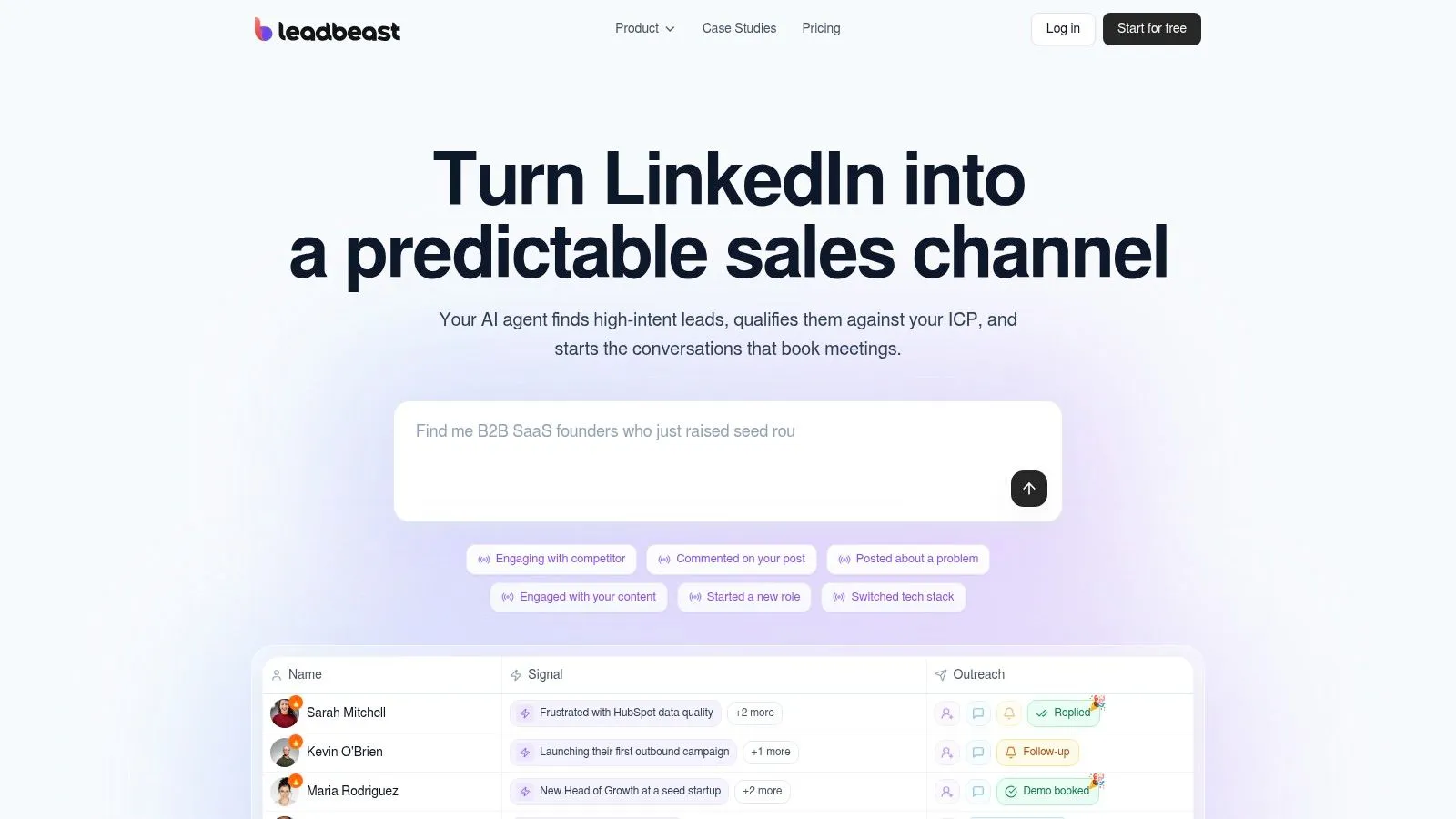
Signals first, lists second
LeadBeast monitors LinkedIn activity in real time, including comments on competitor posts, posts about problems a customer solves, engagement with the customer’s content, profile visits, and role changes. It enriches and scores leads against the customer’s ICP, then engages high-intent profiles with personalized messages tied to the signal. Smart Audiences can qualify companies by what they do, as well as by role, buying stage, and other criteria, and update as new activity appears.
A campaign can send a LinkedIn invitation, wait a day, send an AI-personalized message, wait three days, then follow up. Replies go to one inbox. CRM and outreach tools sync in seconds, with integrations for more than 30 other GTM tools. API and MCP access support custom workflows.
The published plans are Professional at $237 per month, with 3 LinkedIn senders, 6 campaigns, and 10 team seats, and Business at $483 per month, with 7 senders, 14 campaigns, and 10 team seats. LeadBeast also offers a Start for free option. Every plan includes unlimited warm leads, more than 30 intent signals, AI outreach with lead scoring, one inbox for every reply, and API and MCP access.
Practical rule: If you cannot name the signal that prompted an outreach, you may be contacting someone before they have shown a reason to engage.
The trade-off is channel focus: LeadBeast’s automated outreach is through LinkedIn, so it suits teams that already treat LinkedIn as part of their acquisition strategy. The company reports typical B2B connection acceptance rates of 30–60% and reply rates of 20–55%. Results depend on the ICP, offer, and messaging; the platform does not replace strategy. For Vollna, a B2C/B2B SaaS business, LeadBeast reports 20+ demos per week and a 35% reply rate.
Pros: Real-time intent signals; ICP matching and lead scoring; personalized, signal-led LinkedIn outreach; a centralized reply inbox; CRM and outreach integrations, plus API and MCP access.
Cons: The approach depends on LinkedIn being part of the acquisition strategy, and the published prices are tied to sender counts. LeadBeast is designed to send fewer messages to better-matched prospects, rather than maximize outreach volume.
Website: www.leadbeast.io
2. Apollo.io
Apollo solves the supply problem first. Rather than bolting sequences onto a database you license elsewhere, it bundles prospect data, enrichment and multistep campaigns in one product, which is why lean teams so often start here. For a wider view of how data and intent tools overlap, this guide to sales intelligence tools is a useful companion.
Orchestration runs on sequences mixing email, call and LinkedIn tasks, and the built-in contact and company data feeds AI research without a separate export step. A dialer and deeper workflow features sit on the higher plans. Analytics cover sequence and activity performance, which is enough for a founder or a first sales hire and thin for a manager running territories.
Where it fits is the startup or small B2B team trying to reduce tool count. Where it strains is a team pushing serious volume, because credit-based usage makes data and enrichment costs something you have to watch weekly rather than annually.
What to test in a trial: import a messy list and check match and enrichment rates before you commit; build one live sequence end to end; confirm how replies and dispositions write back to your CRM; and ask what happens to your contacts if you downgrade a plan.
Users also report workflow friction and periodic platform changes, so pin your process to features you’ve verified rather than to a roadmap slide. Pricing is published and there’s a free tier, which makes early evaluation cheap.
3. Outreach
Outreach is the platform your enterprise buyers have already heard of, and that familiarity shapes how it sells and how it’s priced.
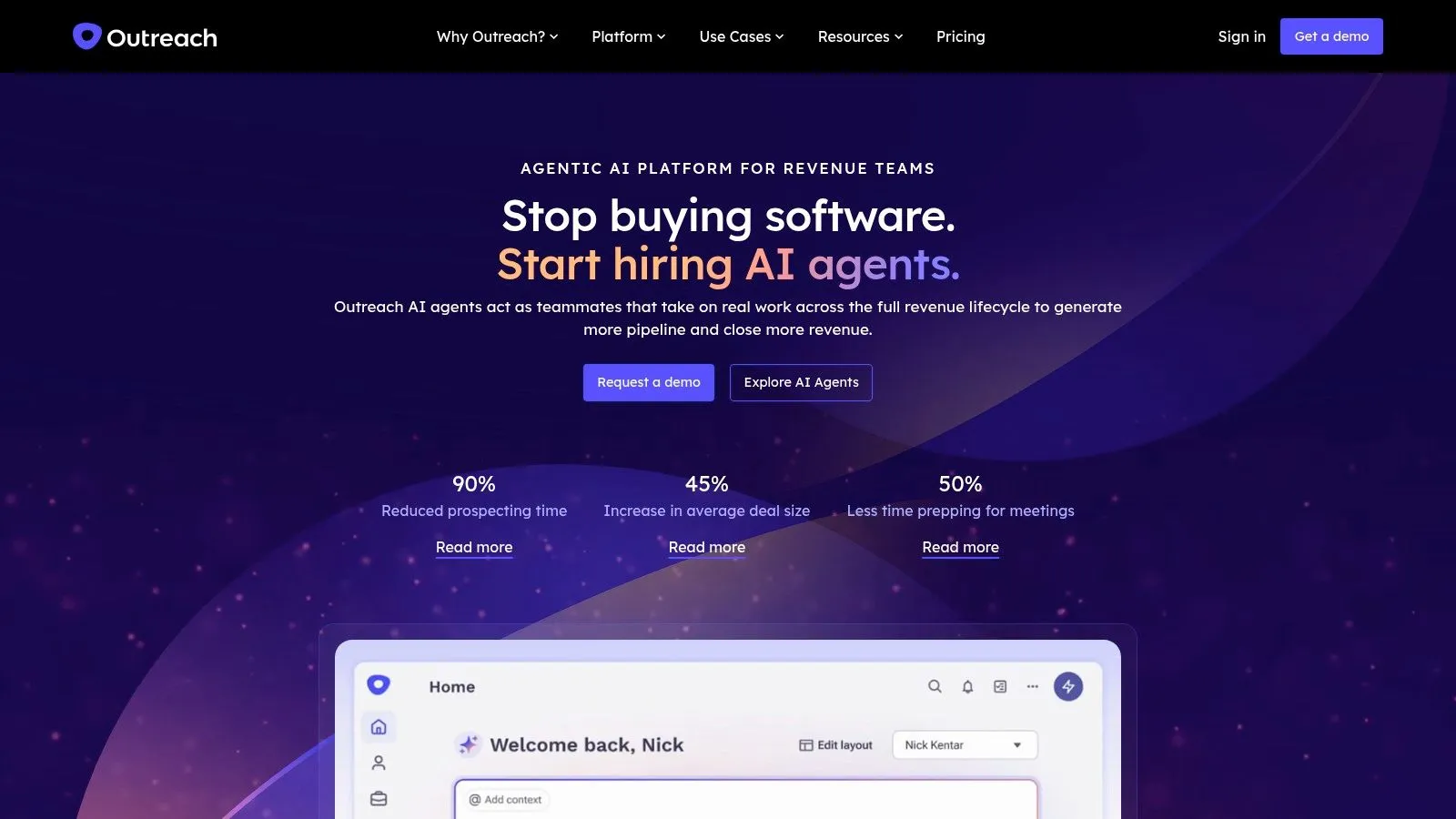
The sequencing engine is mature: multichannel steps, automated follow-up, out-of-office detection that pauses and resumes activity without a rep babysitting it, and A/B testing on messaging and workflow variants. Managers get engagement analytics that show where a sequence loses people, not just how many emails went out. AI features handle research, personalization and execution support, and revenue-management capability extends past pure sequencing.
The efficiency case is often framed in cycle time. One market analysis from Dataintelo estimates 21% to 35% sales-cycle reductions and 15% to 28% quota-attainment improvements in the first year of deployment, particularly in enterprise implementations, and treats those as directional industry estimates rather than guarantees.
The hidden line item: Outreach rarely ships the prospect data or deliverability tooling, so budget for a data source and a warmup layer before you sign, or the “platform” quietly becomes three contracts.
Trade-offs show up in cost and learning curve. Custom pricing plus AI usage makes total cost hard to model without a rep from the vendor walking you through it, the interface is busy, and reviewers consistently mention ramp time. Reps who came from a spreadsheet will need training; managers who want governance usually consider it worth the friction. Established outbound programs with defined territories get the most from it. A three-person team paying enterprise rates for sequences it could run elsewhere usually doesn’t. For a head-to-head on the two enterprise defaults, Big Moves Marketing compares Outreach and Salesloft.
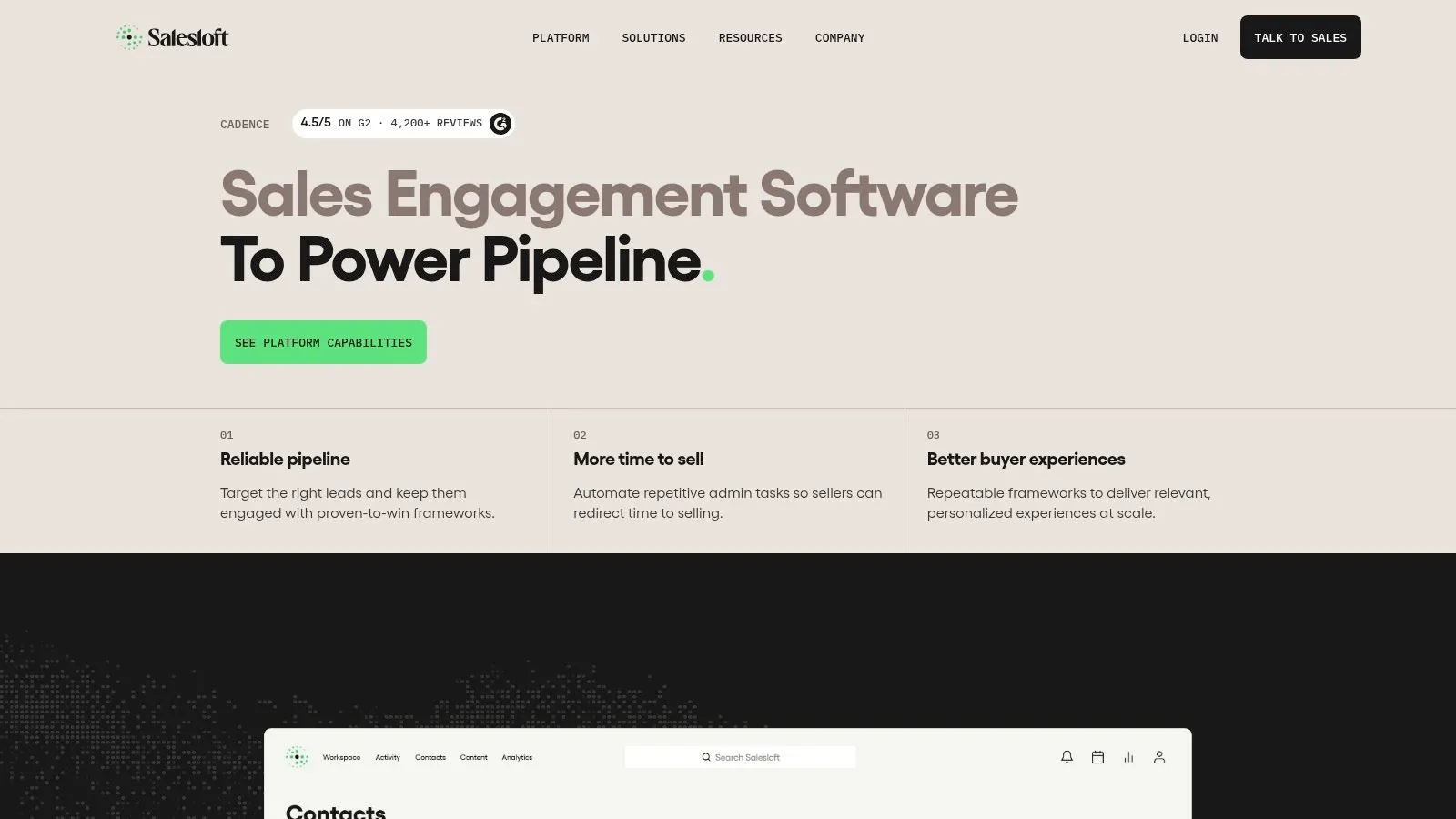
4. SalesLoft
SalesLoft is built around consistent rep execution, so judge it by how well it supports daily coaching and follow-up, not by a reviewer score alone.
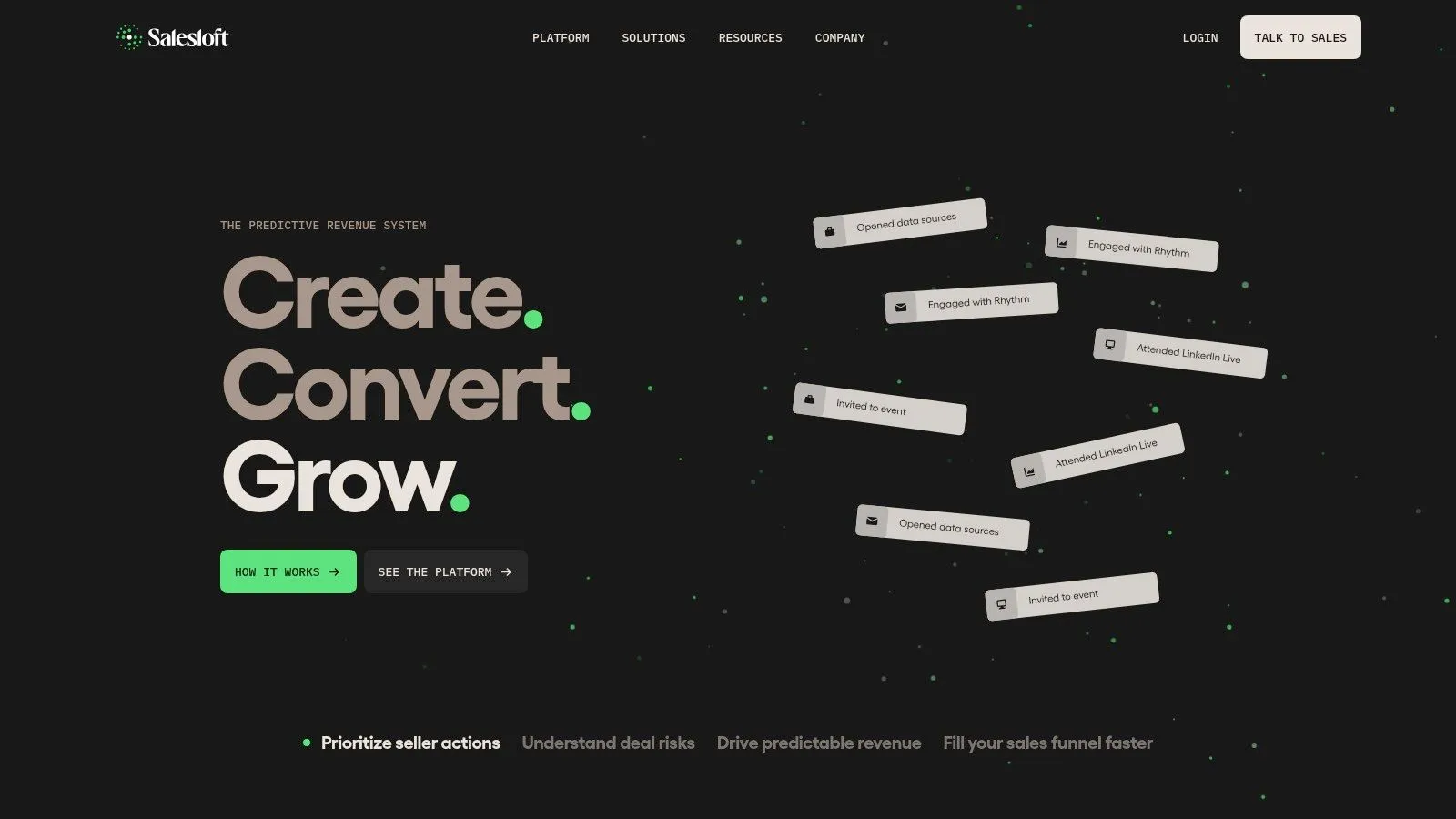
Cadences combine email, phone and social actions. AI-guided task prioritization helps reps decide what to do next, while mobile access lets them manage cadence tasks between meetings. LinkedIn Sales Navigator integration and CRM activity logging reduce manual recordkeeping.
For managers, the trade-off is between consistent execution and reporting flexibility. Reviewers often praise follow-up consistency, while custom reporting can require spreadsheet exports. AI recommendations still need a human check before they reach a prospect, and workflows take time to learn.
SalesLoft suits mid-market and enterprise teams with sales managers who prioritize coaching and have someone responsible for enablement. Solo operators and agencies managing outreach across many small clients may find the management structure more than they need. Public per-seat pricing is unavailable, so compare a vendor quote against your budget before committing.
5. Reply.io
Convergence is the technical story of this category. Persistence Market Research estimates the global market at approximately US$9.2 billion in 2026, growing to roughly US$26.8 billion by 2033 at about a 16.5% compound annual growth rate, with platforms folding sequence orchestration, activity tracking, CRM synchronization, conversational analytics and AI guidance into one product.
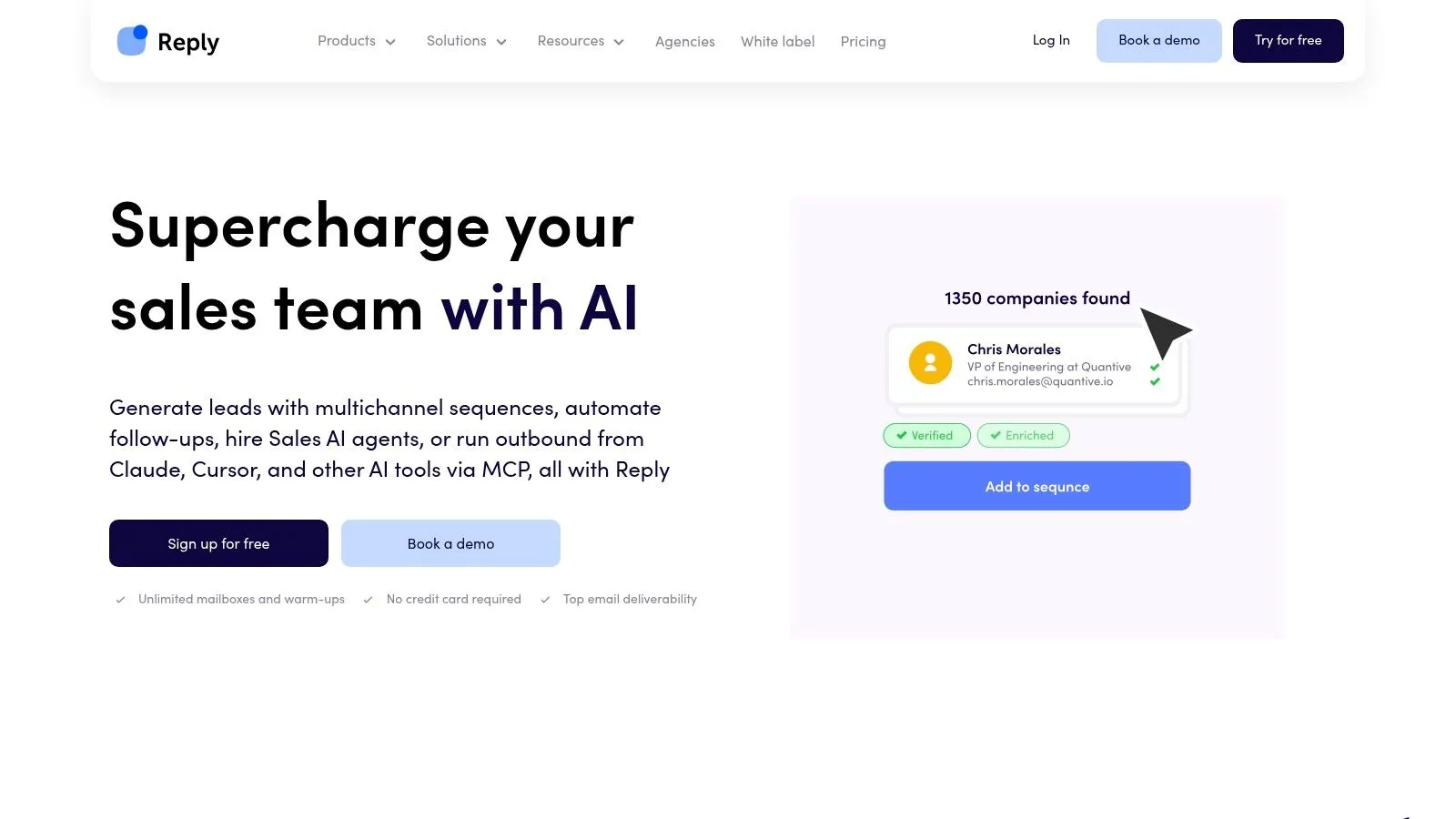
Reply.io plays directly to that convergence. Sequences span email, LinkedIn, calls and SMS on eligible plans, so one workflow can carry a prospect across channels without a handoff. Email warm-up and deliverability tooling are built in, which matters more than most feature lists suggest; if you’re shopping that layer separately, this roundup of email warmup tools is worth reading. AI assistance covers message and sequence drafting, and reporting covers team and channel efficiency.
Published pricing makes the first comparison easy, and reviewers praise the automation and outreach management. The friction is elsewhere: multichannel features require a paid plan, some reviewers find the interface cluttered, and feedback raises concerns about sequence control and reliability. Test a branching sequence with a real edge case before you promise a client it works. For teams layering tools rather than replacing them, this breakdown of sales automation software covers how the pieces divide.
Best fit: smaller outbound teams and agencies running repeatable campaigns across several channels with a modest budget. Poor fit: enterprise teams needing granular permissions and custom reporting, or anyone unwilling to spend a week learning the builder.
6. HubSpot Sales Hub
HubSpot Sales Hub makes the most sense when HubSpot already holds your customer records. Sales engagement then runs alongside the marketing and pipeline data your team uses, rather than adding another system to reconcile.
Sequences are available on eligible paid tiers and use CRM-linked contacts. Email tracking, tasks, workflows, pipeline management and sales reporting work within the same platform. A Sales Navigator integration supports LinkedIn activity, though some LinkedIn features require a separate Sales Navigator subscription.
The main trade-off is data quality. Many B2B organizations lack a unified customer-data foundation. Buying engagement and CRM separately can widen that gap; using them together can reduce it, provided records stay current.
The cost that rarely appears on a price page: duplicated contact records take manager time to reconcile.
What works: HubSpot keeps activity and deal records together, offers free and lower-cost entry points, and presents reports that non-technical users can read.
What to check: Advanced sequences and automation require higher tiers, while seat types, credits and onboarding fees can complicate the total cost. For teams connecting LinkedIn activity to CRM records, this guide to LinkedIn CRM sync explains the mechanics.
7. Groove by Clari
Groove earns its place on this list for one reason: it treats Salesforce as the center of the universe and builds outward from there.
Engagement and prospecting live close to the CRM workflow, with automated activity capture that logs email, calendar and engagement activity so reps stop typing notes after every call. AI assistance handles prioritization and message personalization, and account and pipeline context sits alongside the outreach view for follow-up.
For a Salesforce-native organization, that’s a genuine operational win. When activity capture is reliable, manager reporting improves without asking reps to change behavior, and CRM hygiene stops depending on someone’s memory at 6pm on a Friday. It also sits inside a broader revenue platform, which appeals to teams that want engagement and forecasting conversations with one vendor.
The limits are structural. Fit is strongest for teams already invested in Salesforce; if your CRM is something else, the core advantage evaporates. Pricing is quote-based, so upfront comparison requires vendor conversations and a clear list of which seats need which capability. And if you only need sequences and a shared inbox, the wider revenue platform is more machinery than the job requires.
Ask before signing: which activity syncs automatically versus which needs a rep action, how custom Salesforce fields map into reporting, and what a partial rollout looks like for a single team.
How the Seven Platforms Compare on Pricing and Fit
| Item | Pricing Model | Free Option | Best Fit |
|---|---|---|---|
| LeadBeast | Per sender: $99–$483/month | 7-day free trial; no credit card required | B2B teams targeting prospects based on LinkedIn buying signals |
| Apollo.io | Free tier and published paid plans | Free tier available | Startups and lean B2B teams combining prospecting and outreach |
| Outreach | Custom pricing | No free option specified | Established organizations running coordinated outbound programs |
| Salesloft | Public per-seat pricing not readily available | No free option specified | Teams focused on structured cadences, rep coaching, and follow-up |
| Reply.io | Published pricing; varies by plan | No free option specified | Smaller outbound teams and agencies coordinating multichannel outreach |
| HubSpot Sales Hub | Tiered pricing; costs vary by seats, credits, and onboarding | Free sales tools available | Teams already using HubSpot CRM |
| Groove by Clari | Quote-based pricing | No free option specified | Salesforce-centric teams connecting sales engagement with CRM workflows |
Match the Platform to Your Team Size, Not the Feature List
Choose for the work your team can support, not the longest feature list. A platform that needs an owner for cadence design and reporting can become expensive overhead for a small team.
Solo founders and two-person outbound teams should prioritize clear pricing and a short setup. Apollo.io and Reply.io suit teams combining prospecting with outreach. LeadBeast is a fit when LinkedIn is part of the acquisition strategy and the priority is quality over volume: it monitors buying signals, qualifies leads against an ideal customer profile, and sends personalized LinkedIn messages to matched prospects.
Mid-market teams with managers and territory structures may get more from Outreach or SalesLoft when someone owns cadence design, coaching, and reporting. Without that ownership, their structured workflows can add little beyond scheduled emails. HubSpot and Salesforce teams should also weigh the cost of duplicated records against the sequencing features a standalone platform may offer.
Agencies managing multiple clients should check how each platform separates client workspaces. Model any channel limits or upgrade requirements before including the tool in a client quote.
Test the workflow with a real segment, not a sandbox. Build one sequence and check whether replies reach the platform’s inbox, CRM records update, and out-of-office replies affect the cadence. Compare reply and meeting rates with your current baseline over a reasonable test period.
Check the exit before you commit. Confirm which lead and campaign data you can export, and whether the API exposes replies and dispositions. Data access matters when you need to change tools or analyze results outside the platform.
LeadBeast’s pricing is per LinkedIn sender. It offers a “Start for free” option, with the Professional plan at $237 per month and the Business plan at $483 per month. You can view LeadBeast’s plans and pricing.
The right platform is the one your team can run consistently. Fit beats feature count.