The standard advice is backwards. Teams buy AI outreach tools to send more messages faster, then act surprised when connection acceptance falls, replies get colder, and senders look automated. Volume was never the bottleneck for most B2B teams. Timing, relevance, and account safety are.
That’s why this list doesn’t rank tools by feature count. It looks at a harder question for each one. Does the platform react to a real buying signal, or does it just help you contact a static list more efficiently?
AI use itself is no longer a differentiator. In HubSpot’s 2025 State of Sales survey, only 8% of sales representatives said they use no AI, while 37% identified AI tools as their most-used sales-tool category. If almost every rep can generate a polished message, your edge has to come from who you contact and why now, not from prettier paragraphs.
Read each entry with three filters in mind. First, what triggers outreach. Second, whether personalization reflects a specific event or just fills in a name and company. Third, how much LinkedIn risk you’re accepting to get that automation. A tool can be excellent on one filter and weak on the other two, and that trade-off should decide the purchase.
Table of Contents
- 1. LeadBeast
- 2. Apollo.io
- 3. Clay
- 4. Instantly
- 5. Smartlead
- 6. lemlist
- 7. Reply.io
- 8. Amplemarket
- 9. Salesloft
- 10. Outreach
- How the AI outreach tools compare on focus, trials, and fit
- Choosing the Right AI Outreach Stack for Your Team
1. LeadBeast
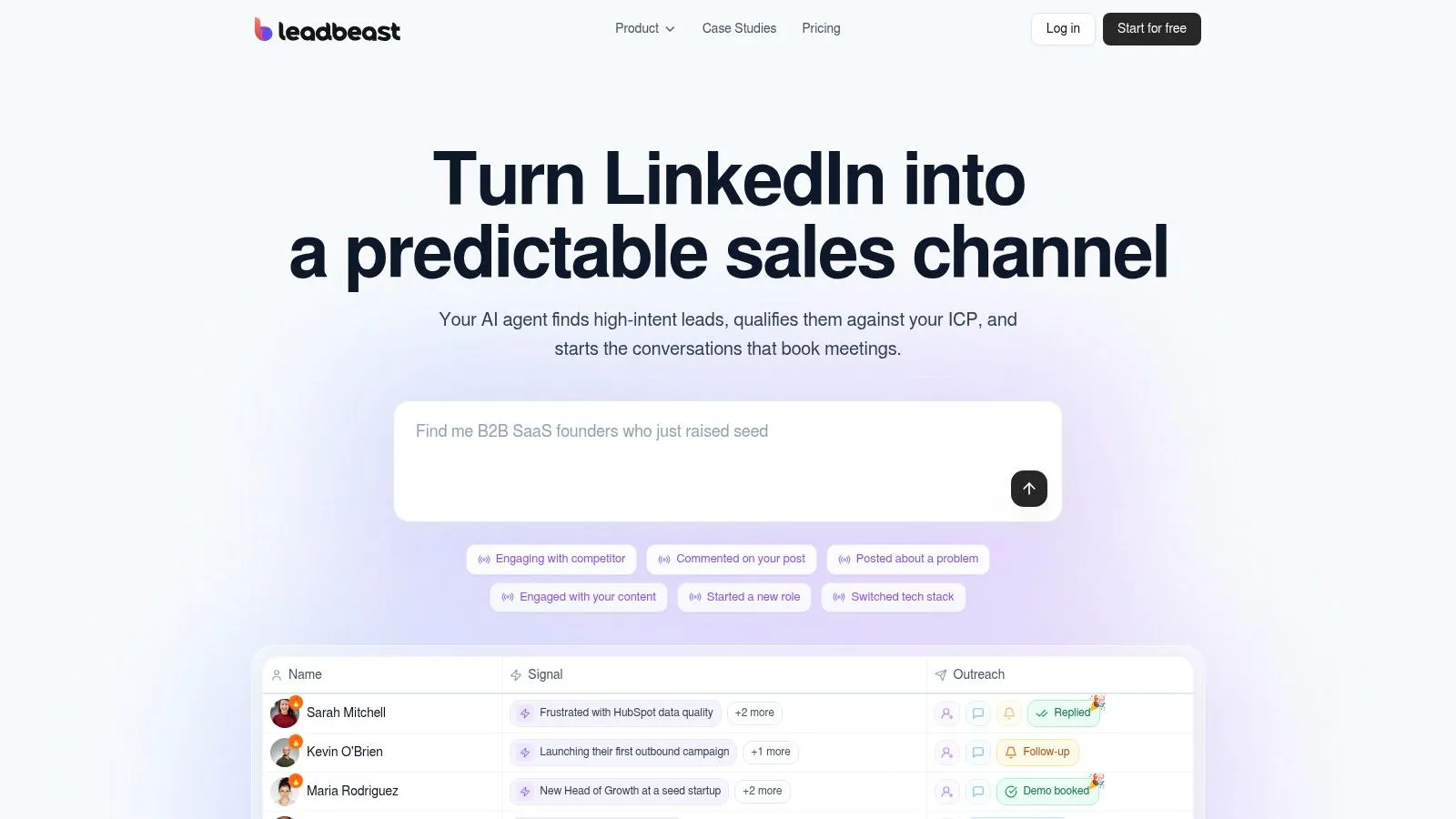
LeadBeast is built for one job the other generalists treat as secondary. It watches public LinkedIn activity, including relevant posts, comments, role changes, and competitor engagement, then stacks those actions into a picture of intent. One like means little. A prospect who comments on a competitor’s post, changes role, and fits your ICP is a different conversation.
You describe your ideal customer in plain language, and the platform scores and enriches matches against that definition. Audience lists update automatically as new signals appear, so you’re not rebuilding CSVs every Monday. Messages and follow-ups are written around the trigger that prompted outreach, which is the detail that makes a message read as timely instead of mass produced.
Where It Earns Its Place
- Signal stacking over single events: Combining several actions filters out casual engagement and prioritizes people showing a pattern.
- Living audiences: Dynamic lists, lead scoring, and enrichment cut manual prospecting without handing you a stale export.
- Connected replies: A shared inbox, CRM and outreach integrations, plus API and MCP access keep conversations from fragmenting across tools.
Pricing is per LinkedIn sender. LeadBeast’s published plans put Essential at $99 per month for one sender, Professional at $237 for three, and Business at $483 for seven, each with a seven-day free trial and no credit card required. The company reports typical connection acceptance of 30 to 60% and reply rates of 20 to 55%, with the sensible caveat that your offer, ICP, and messaging drive the result.
Don’t confuse pacing with permission. LinkedIn’s help page on automated activity prohibits third-party software that scrapes data or automates activity and warns that accounts may be restricted. LeadBeast uses human-like pacing and intent-led targeting with safety in mind, but I’d still set conservative limits, keep human approval on first messages, and watch restriction events per sender. The cost trade-off is real too. Essential is limited to one sender, two campaigns, and one team seat, so multi-sender teams pay more as they scale.
2. Apollo.io
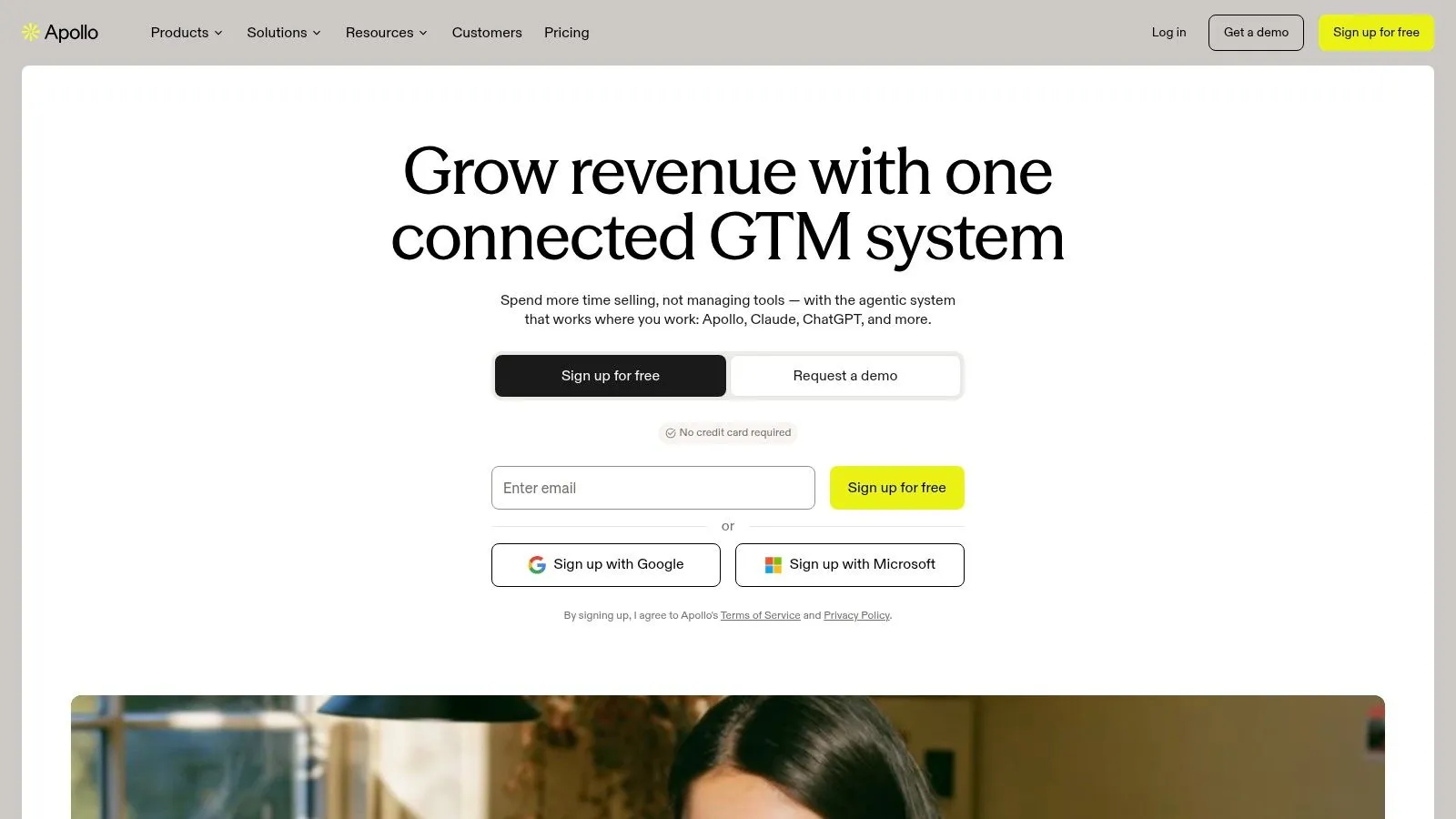
Judge Apollo.io as a database with outreach attached, and it makes sense. You search contacts and companies, apply prospect data and buying-intent filters on eligible plans, score leads, and push people straight into email sequences. For a lean team with no data source, removing a separate vendor is a genuine operational win.
The context matters. In McKinsey’s Global Survey on AI, conducted from February 22 to March 5, 2024 among 1,363 participants, 65% of respondents said their organizations regularly used generative AI in at least one business function. Apollo’s AI research and drafting therefore aren’t the reason to buy it. The contact data and workflow consolidation are.
- Free plan: You can test search quality against your own ICP before paying.
- One workspace: Prospecting, enrichment, sequences, CRM integrations, and API access sit together.
- Intent filters: Useful for account prioritization, though they’re not the same as watching an individual’s LinkedIn behavior.
Verify important records before a campaign, because contact accuracy varies and stale titles poison personalization. Model the credit burn too, since data credits and feature limits vary by plan and the entry price rarely equals total cost. If you’re comparing data layers more broadly, this guide to sales intelligence tools helps separate database coverage from signal quality. Some teams also weigh whether to replace Apollo with an AI agent, but an agent still needs reliable underlying data.
3. Clay
Say your ICP can’t be expressed with job title and headcount filters. You need funding data, hiring patterns, web research, and a job-change check before anyone writes a line. That’s Clay territory.
Clay is a configurable enrichment and research workspace, not a ready-made sequencer. Its waterfall enrichment checks multiple data providers for a record, and Claygent runs AI research to pull prospect-specific details you can feed into personalization. Paid plans add job-change and other signal tracking, while higher tiers add CRM auto-sync, API integrations, and web-intent features.
Personalization is clearly where budgets are going. Deloitte Digital’s B2B personalization research found that in 2024, 74% of B2B companies had invested or planned to invest in generative AI to support personalization. Clay serves that demand at the data layer, which is the right layer, because AI copy built on thin records just produces confident filler.
Personalization quality is a data problem before it’s a writing problem.
The trade-offs are effort and metering. Actions and data credits are metered, so an elaborate multi-provider workflow costs more every time it runs. You’ll also configure integrations and logic yourself, which suits operators who enjoy building systems and frustrates teams wanting campaigns live today. The free plan includes unlimited seats and tables with capped actions, credits, and rows, so test your most complex play before committing.
4. Instantly
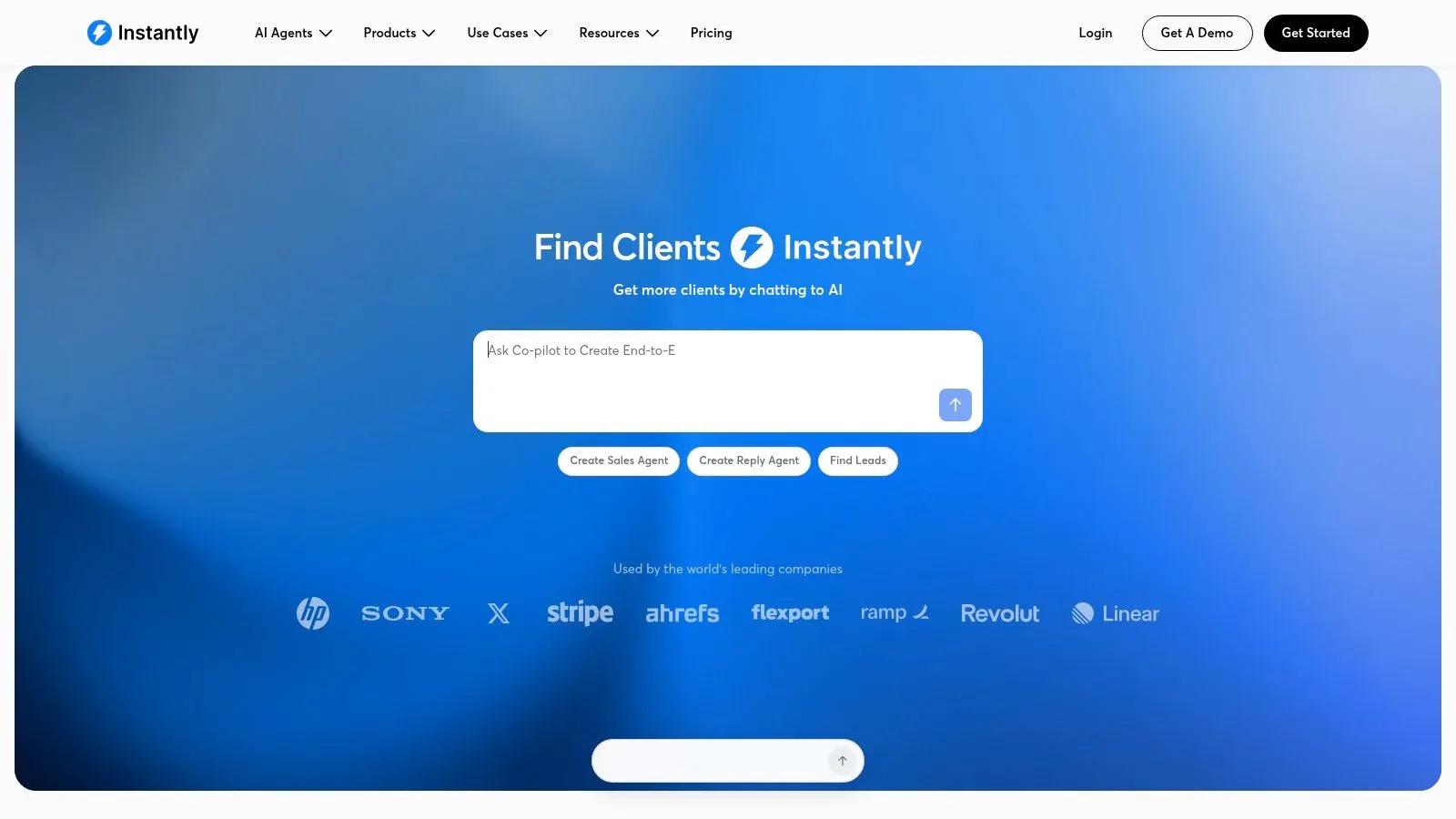
Instantly does one thing without apology. It runs cold email at scale across many connected sending accounts, with warmup, campaign sequencing, inbox-placement testing, and a centralized reply workflow. Its flat-fee approach to connected mailboxes is why agencies and outbound-heavy startups keep choosing it.
That focus cuts both ways. There’s no meaningful native LinkedIn workflow, so LinkedIn timing has to come from somewhere else. Lead Finder, enrichment, and verification run through separate data-credit plans, and AI reply and sales-agent features carry usage-dependent credit requirements. Price the whole stack, not the sending plan alone.
Productivity claims deserve the same discipline. An Optif.ai benchmark of anonymized CRM data from 939 B2B companies reported a 53% average increase in sales productivity after AI adoption, measured as a rise from 15 to 23 deals per representative per month. That’s an industry benchmark, not a controlled experiment, and it says nothing about what happens when you point high sending capacity at a weak list.
- Sending economics: Adding mailboxes doesn’t automatically raise your per-seat bill.
- Operational basics: Warmup and placement testing are built into the workflow.
- Your responsibility: List quality, domain setup, and restrained volume still determine whether you land in the inbox.
I’d use Instantly as an email engine downstream of a better targeting decision, not as the targeting decision itself.
5. Smartlead
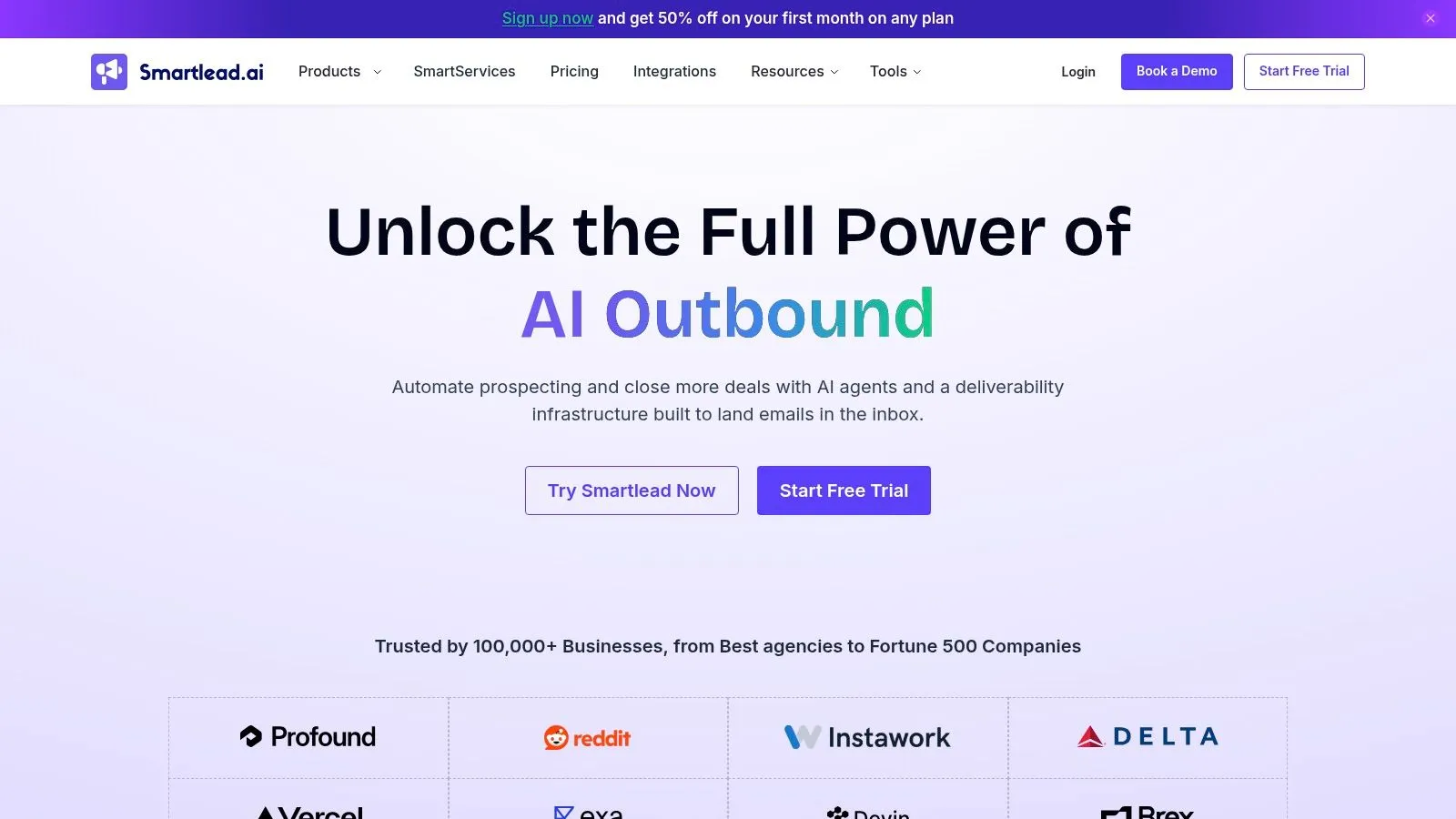
Agencies have a specific headache. Dozens of campaigns, many sending accounts, several clients, and replies scattered everywhere. Smartlead is built around that operating model, with a master inbox, warmup infrastructure, and workspace controls that keep client work separated.
The feature set follows the same logic. You get cold email campaign management across multiple accounts, optional deliverability and verification add-ons, and higher-tier CRM access. Teams extending the platform sometimes add a RichAPI integration for Smartlead to connect campaign data with other systems.
What to Price Carefully
Plans are structured around sending volume and team requirements, which sounds simple until you add the extras. Sending, contact, and verification limits make plans harder to compare than the headline suggests. Some infrastructure and agency functions, including private infrastructure and certain workspace capabilities, are add-ons or reserved for higher tiers.
Smartlead offers a 14-day free trial, so use it with a realistic client scenario rather than a toy campaign. Load two workspaces, connect several accounts, and check whether reporting stays clean. Just be clear about the boundary. This is an email operations platform, with no LinkedIn interaction monitoring, so it won’t tell you which prospect commented on a competitor’s post this morning. Pair it with a signal source if timing matters to your motion.
6. lemlist
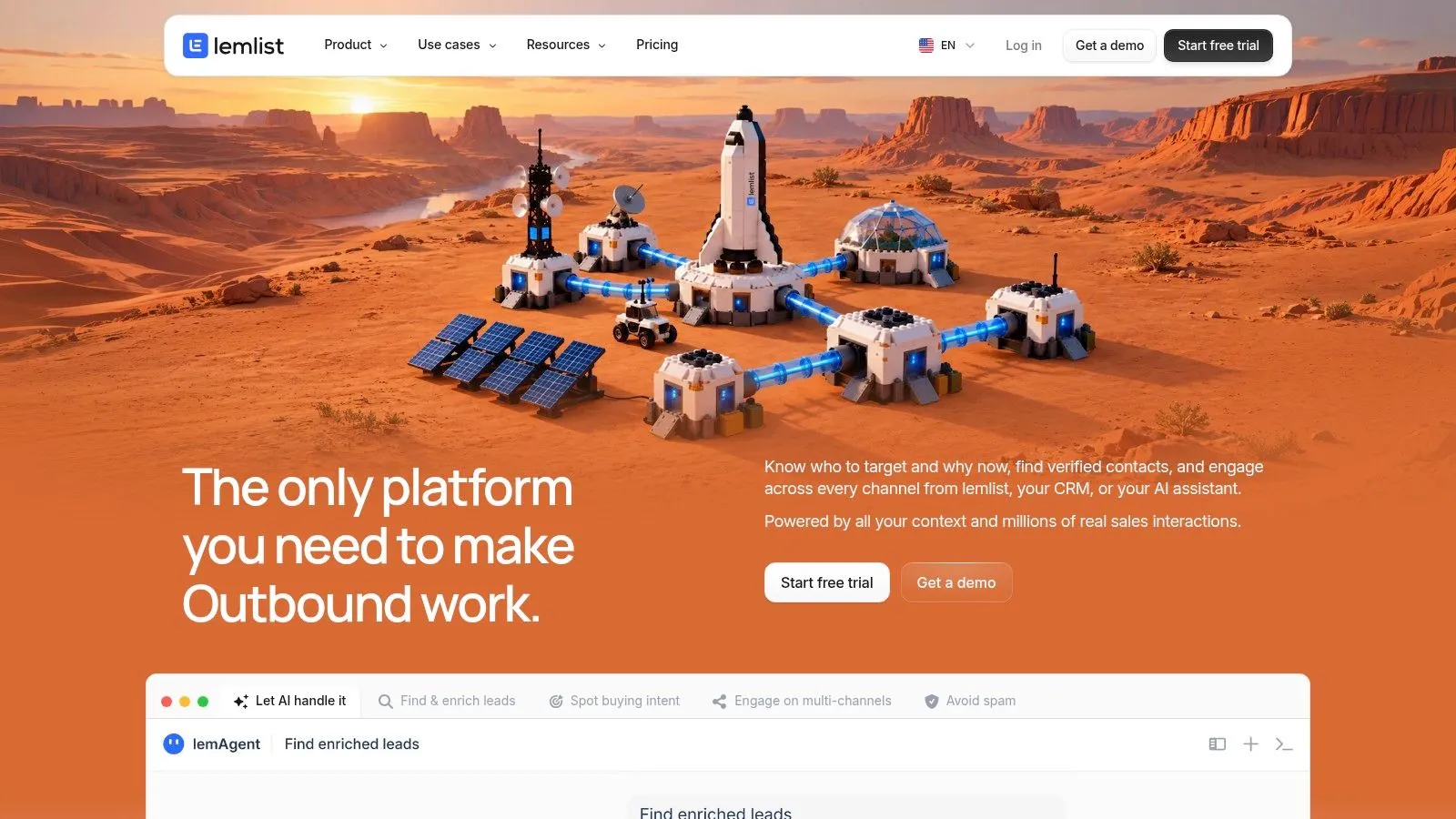
Most multichannel tools bolt channels together. lemlist tries to make them feel like one conversation, combining email sequencing with LinkedIn and SMS automation on its multichannel plan. AI supports message creation, prospect research, and personalization, and warmup tools cover the email side.
That coordination is the reason to shortlist it. A prospect can get an email, then a LinkedIn step that continues the thread instead of restarting it as if the email never happened. Personalization goes beyond basic text variables, which helps when you’re working a smaller, high-value list where each message has to justify itself.
- Email-only or multichannel: Public plans let you compare the two paths before upgrading.
- Lead database: Contact finding is available, but it runs on separate data credits.
- Per-user pricing: Costs climb quickly as the sending team grows.
LinkedIn steps need the most scrutiny here. Before automating connection requests at any volume, read up on LinkedIn connection request limits and set your own ceilings below anything aggressive. Review AI copy line by line at first, because a confidently wrong personal detail does more damage than a plain template. lemlist rewards teams that invest setup time and punishes teams that want to upload a list and press go.
7. Reply.io
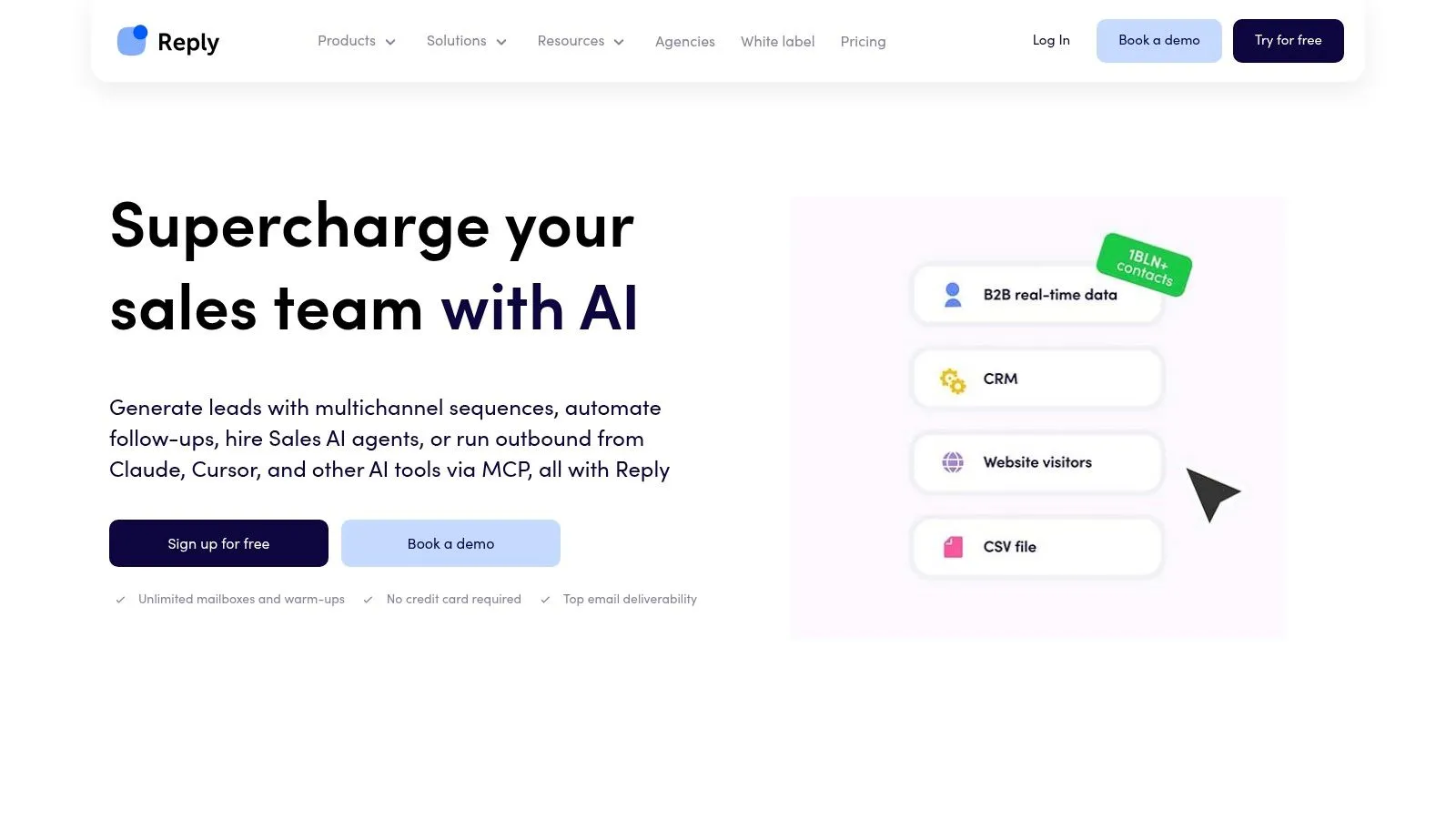
Breadth is the pitch at Reply.io. Sequences can combine email, LinkedIn, calls, and other channels, with AI-assisted personalization, prospect data, enrichment, and AI variables for customized messages. Separate AI SDR plans push further toward automated prospecting and follow-up for teams that want less manual handling.
That ambition sits inside a market that hasn’t finished deploying it. In a September 2024 McKinsey survey of commercial leaders, only 21% reported that their companies had fully enabled enterprise-wide generative-AI adoption for B2B buying and selling, while 22% had only piloted specific use cases. Reply.io is a packaged answer to that gap, giving you workflows instead of asking you to assemble them.
Practical rule: Pilot autonomous follow-up on your lowest-risk segment first, and keep a human reviewing replies until the classification errors are boringly rare.
Budgeting needs care. LinkedIn, mailbox, data, and AI allowances can depend on your plan or add-ons, and extra mailbox and channel features add recurring cost. Calculate the total at your expected contact volume and sender count, not at trial scale. Use the 14-day trial to test campaign setup, channel branching, and how cleanly activity lands in your CRM. If your team works across three channels, Reply.io earns consideration. If you mostly send email, you’re paying for surface area you won’t use.
8. Amplemarket
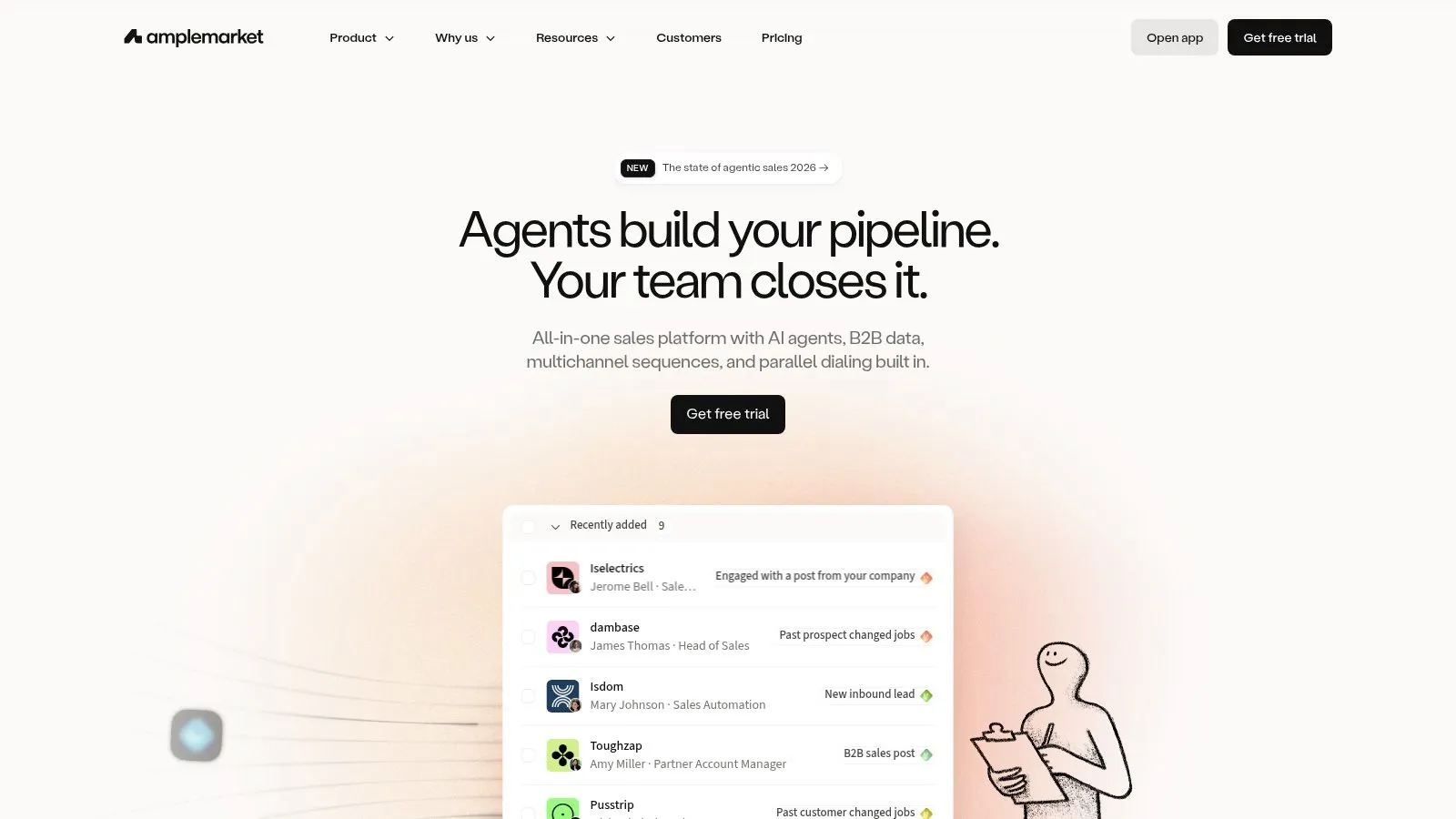
Amplemarket wants to replace several line items at once. It combines contact and company search, enrichment, intent signals, an AI copilot and agents under its Duo AI features, multichannel sequences, an outbound dialer, and deliverability tools including domain health checks, warmup, and spam checking.
Among the generalist platforms here, it’s one of the few that treats signals as a starting point rather than a filter you apply to a list you already bought. That distinction matters more than vendors admit. A signal that starts a sequence gives the message a reason to exist today.
Adoption still isn’t proof of value. McKinsey’s analysis of generative AI in B2B growth reports that 19% of B2B decision-makers were already implementing generative-AI use cases for buying and selling, with another 23% in progress. So ask Amplemarket, and every vendor here, how a detected signal connects to a sales-accepted opportunity in your CRM, not just to a reply.
- Consolidation: Data, signals, outreach, and deliverability in one product reduces integration work.
- Entry price: The stated starting price is comparatively high for very early-stage teams.
- Custom larger plans: Expect a sales conversation before you know your real number.
If basic sequencing is all you need, this is more platform than the job requires.
9. Salesloft
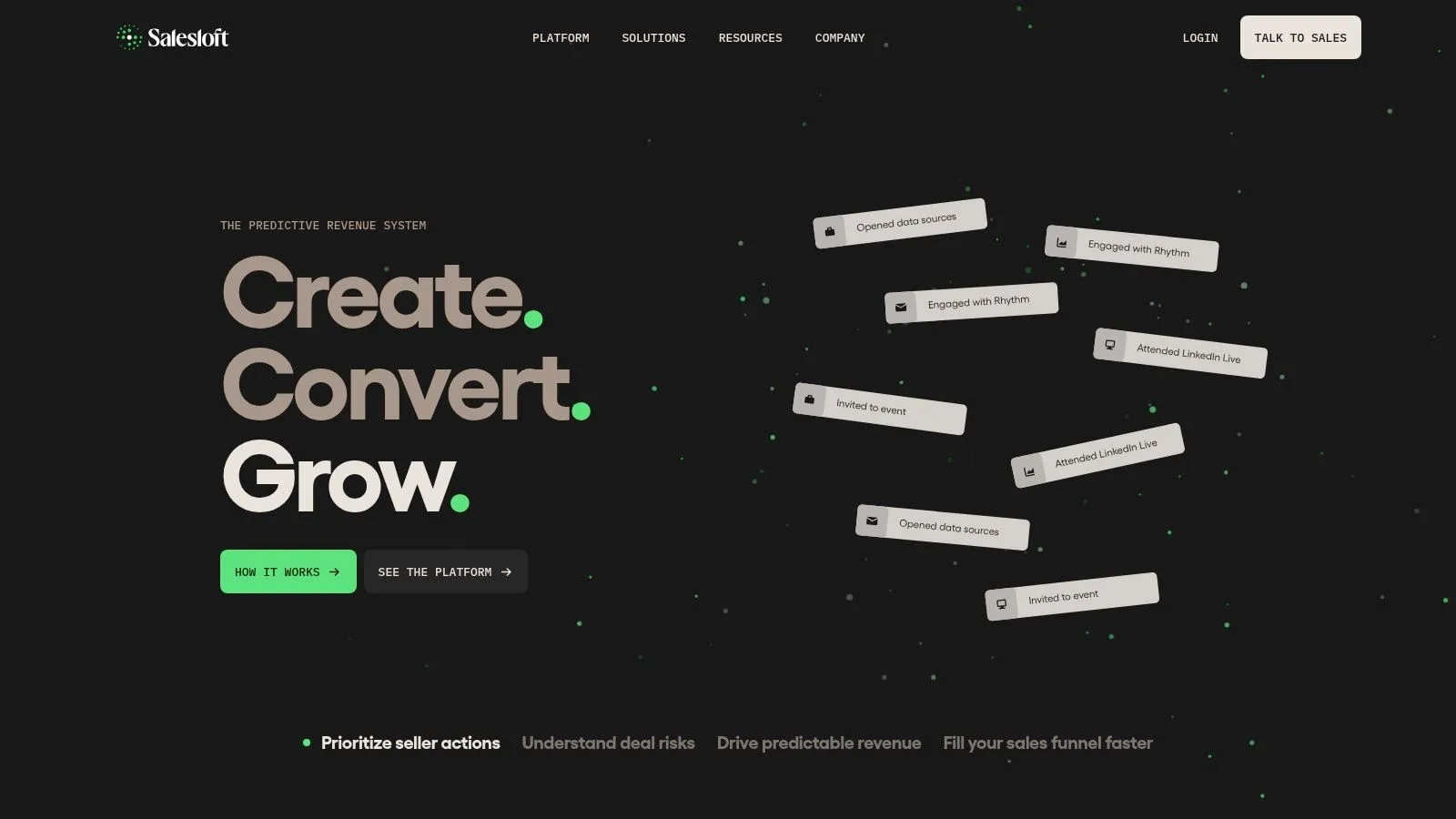
Stop evaluating Salesloft as a message generator. It’s a sales engagement and revenue workflow platform for established organizations, designed to govern how a whole team executes. Cadences coordinate outreach and rep tasks, AI supports writing and preparation, and conversation intelligence covers call recording and analysis.
The most interesting piece is Rhythm, which prioritizes seller actions based on signals and buyer engagement. Instead of every rep guessing where to start the day, the system ranks the work. That’s a different use of AI from drafting openers, and for a large team with uneven rep performance, it’s probably the more valuable one.
Integrations include LinkedIn Sales Navigator, which fits a model where reps act on LinkedIn rather than automating it heavily. From a safety standpoint, that human-led pattern is easier to govern, though it won’t surface person-level post and comment triggers the way a dedicated monitoring tool does.
Pricing is quote-based, so you can’t model cost per seat from a public page. Confirm exactly which capabilities and integrations your configuration includes before signing, because platform breadth makes assumptions expensive. A founder-led team sending its first outbound will find Salesloft heavy. A sales organization struggling with inconsistent execution across dozens of reps is the actual buyer.
10. Outreach
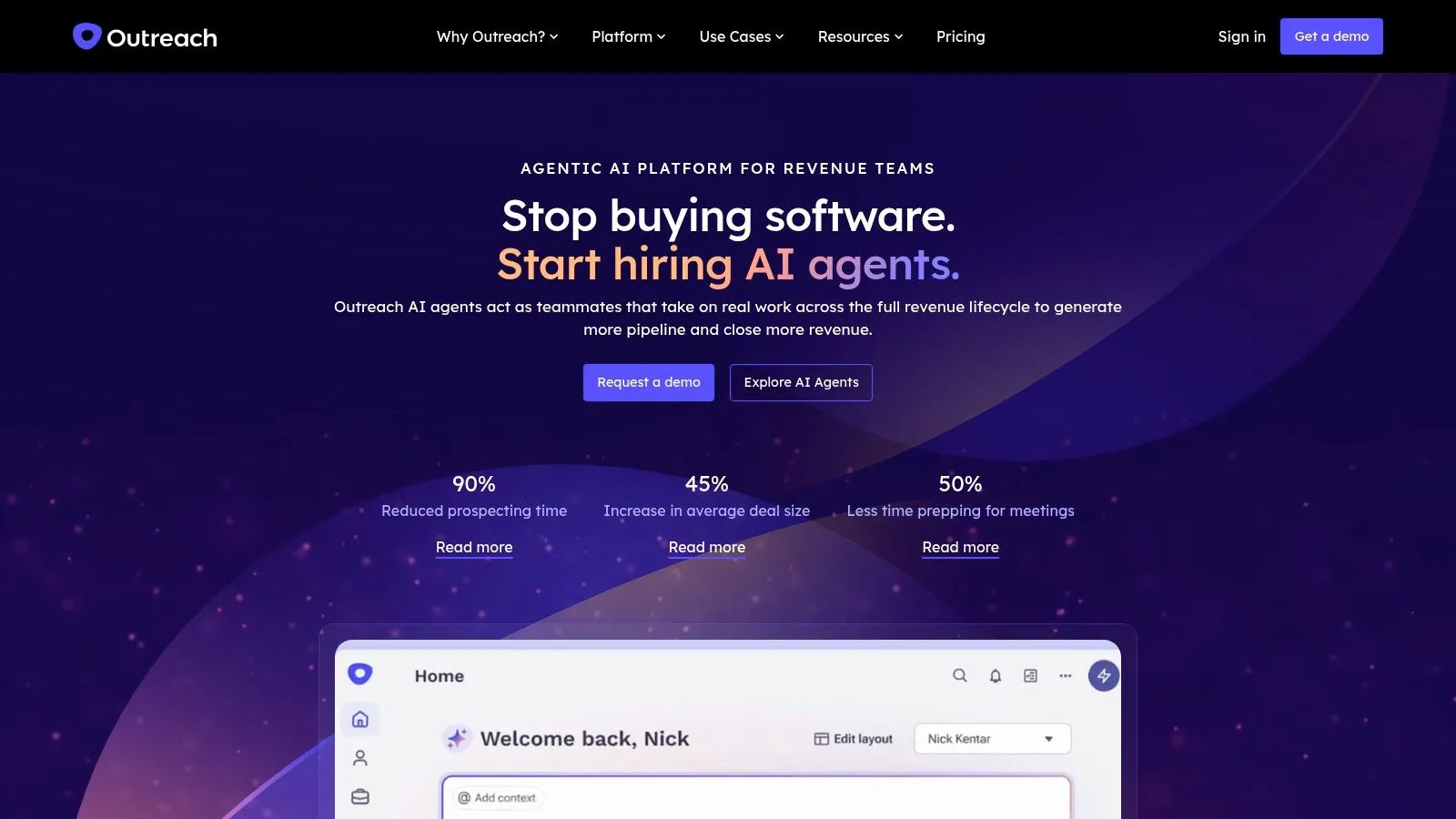
Outreach sits at the enterprise end of this list. It’s an AI revenue platform for managing sales engagement and execution across go-to-market teams, combining sequenced outreach, workflow automation, pipeline-oriented processes, and conversation intelligence through Kaia, which handles call recordings and transcripts.
The strength is standardization. Sequences, follow-up tasks, engagement activity, and CRM data stay connected, so managers can see whether the agreed process happened. If you’re weighing that category against lighter tools, this overview of what a sales engagement platform does is a useful primer before demos.
The Honest Limitations
There’s no straightforward, publicly listed self-serve price, which slows evaluation and usually signals a longer sales cycle. Implementation takes real process work too. You’ll define governance, connect systems, and train reps, none of which a small team should volunteer for without a clear payoff.
Outreach also isn’t specialized for monitoring public LinkedIn posts and comments as person-level buying triggers. It manages the execution layer well, but the quality of who gets enrolled still depends on your upstream data and signals. Buy it to run a disciplined revenue operation at scale. Don’t buy it expecting a lightweight AI copywriter or a LinkedIn intent feed.
How the AI outreach tools compare on focus, trials, and fit
| Item | Primary focus | Free plan or trial | LinkedIn role | Best for |
|---|---|---|---|---|
| LeadBeast | Intent-led prospecting and outreach | 7-day free trial; no credit card required | Monitors LinkedIn signals and supports trigger-based outreach | B2B teams prioritizing LinkedIn buying intent |
| Apollo.io | B2B contact data and sales engagement | Free plan available | Not specialized in monitoring LinkedIn activity | Teams wanting prospect data and outbound in one platform |
| Clay | Prospect research and data enrichment | Free plan with usage limits | Signal tracking, including job changes; not a LinkedIn-first outreach tool | Teams building configurable research and enrichment workflows |
| Instantly | Cold email outreach and sending-account management | No free plan or trial specified | Primarily email-focused, with limited native LinkedIn depth | Outbound teams scaling cold email |
| Smartlead | Cold email campaigns and deliverability | 14-day free trial | Email-focused; no LinkedIn interaction monitoring | Agencies and teams managing email campaigns at scale |
| lemlist | Personalized multichannel outreach | No free plan or trial specified | LinkedIn automation available on the multichannel plan | Teams coordinating email and LinkedIn outreach |
| Reply.io | AI-assisted multichannel sales outreach | 14-day free trial | LinkedIn automation available, depending on plan | Teams needing broad channel coverage |
| Amplemarket | AI-led outbound with data, signals, and engagement | No free plan or trial specified | Supports signal-led multichannel outreach | Teams seeking a consolidated outbound platform |
| Salesloft | Sales engagement and revenue workflows | No free plan or trial specified | Integrates with LinkedIn Sales Navigator | Established sales teams managing rep workflows |
| Outreach | Sales execution and engagement workflows | No free plan or trial specified | Not specialized for LinkedIn buying-signal monitoring | Larger revenue teams standardizing sales processes |
Choosing the Right AI Outreach Stack for Your Team
Start with the bottleneck, not the demo. If your reps can’t find accurate contact data, a sequencer won’t save them, and Apollo.io or Clay address the actual problem. If your data is fine but every message lands at a random moment, you have a timing problem, and an intent-led tool belongs at the front of the stack.
Match the tool to the channel you run. Instantly and Smartlead are email infrastructure, and they’re good at it, but neither watches LinkedIn behavior. lemlist and Reply.io coordinate LinkedIn and email steps, which adds reach and adds account risk you need to govern. Salesloft and Outreach manage team execution, which only pays off when inconsistent rep process, not targeting, is what’s costing you pipeline.
- Data and enrichment bottleneck: Start with Apollo.io or Clay, then verify records against your own closed-won accounts.
- Timing bottleneck: Prioritize tools that start sequences from a signal, and ask how multiple signals combine before outreach fires.
- Execution bottleneck: Look at Salesloft or Outreach, and budget for implementation, not just licenses.
- Email volume bottleneck: Use Instantly or Smartlead, but feed them lists that earned their place.
Before committing, run a controlled trial. Pick one small, well-defined audience, keep a conventional cold-list segment as your baseline, and compare more than opens. Measure connection acceptance, positive and negative replies, qualified meetings, sales-accepted opportunities, and rep hours per opportunity. Track opt-outs and complaints with equal care, because a campaign can win replies while burning trust with the accounts you’ll want next quarter.
Review every AI-generated message before it goes out during that trial. Look for invented details, overstated intent, and personalization that’s accurate but irrelevant. A message referencing a prospect’s post is only good if it connects that post to a problem you solve. Otherwise it reads as surveillance with a call to action.
Put safety in writing before you scale senders. Decide who approves templates, what daily limits apply per account, what happens after a restriction warning, and how quickly automation pauses. Agencies should treat this as client protection, not internal housekeeping, since one careless workflow can affect several client accounts at once. Teams that want outside help building that discipline can look at LinkedIn outreach from Outbound Consulting as one reference point.
My recommendation is simple. Buy the tool that improves who you contact and when, then let sequencing and drafting do the cheaper work downstream. AI outreach tools that only raise send volume will raise your ignore rate at the same speed. The ones worth paying for turn a genuine signal into a relevant, human-reviewed conversation, and record the outcome where your team can learn from it.
If LinkedIn timing is your bottleneck, LeadBeast turns posts, comments, role changes, and competitor engagement into scored, enriched prospects matched against your ICP, then sends trigger-specific messages and follow-ups with replies centralized in one inbox. Start the seven-day free trial with no credit card required, run it against your current cold list, and judge it on qualified conversations rather than messages sent.